ZWO Official Store | Make Astrophotography Easy and Fun

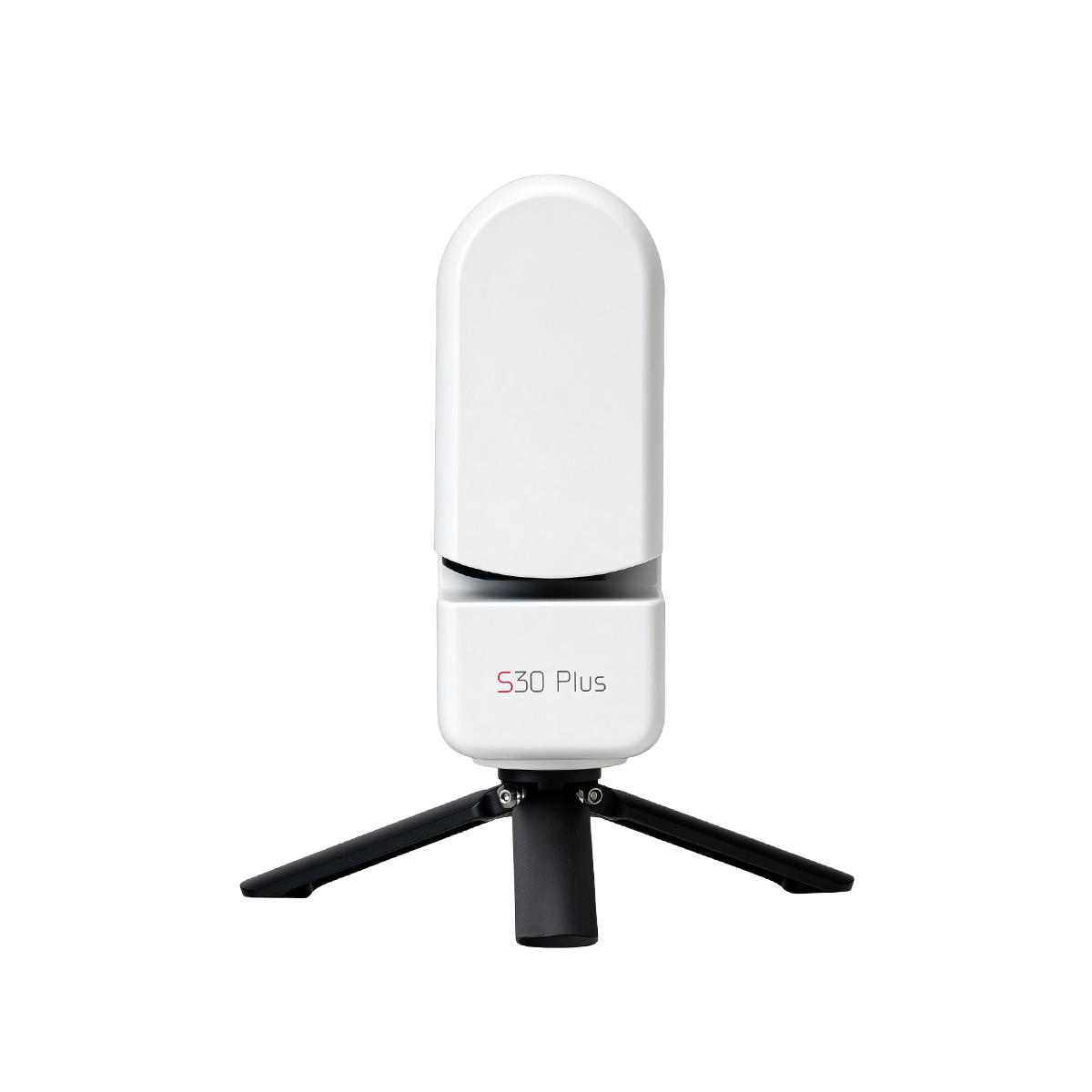
Description
The Beauty of the Cosmos, Now Within Reach.
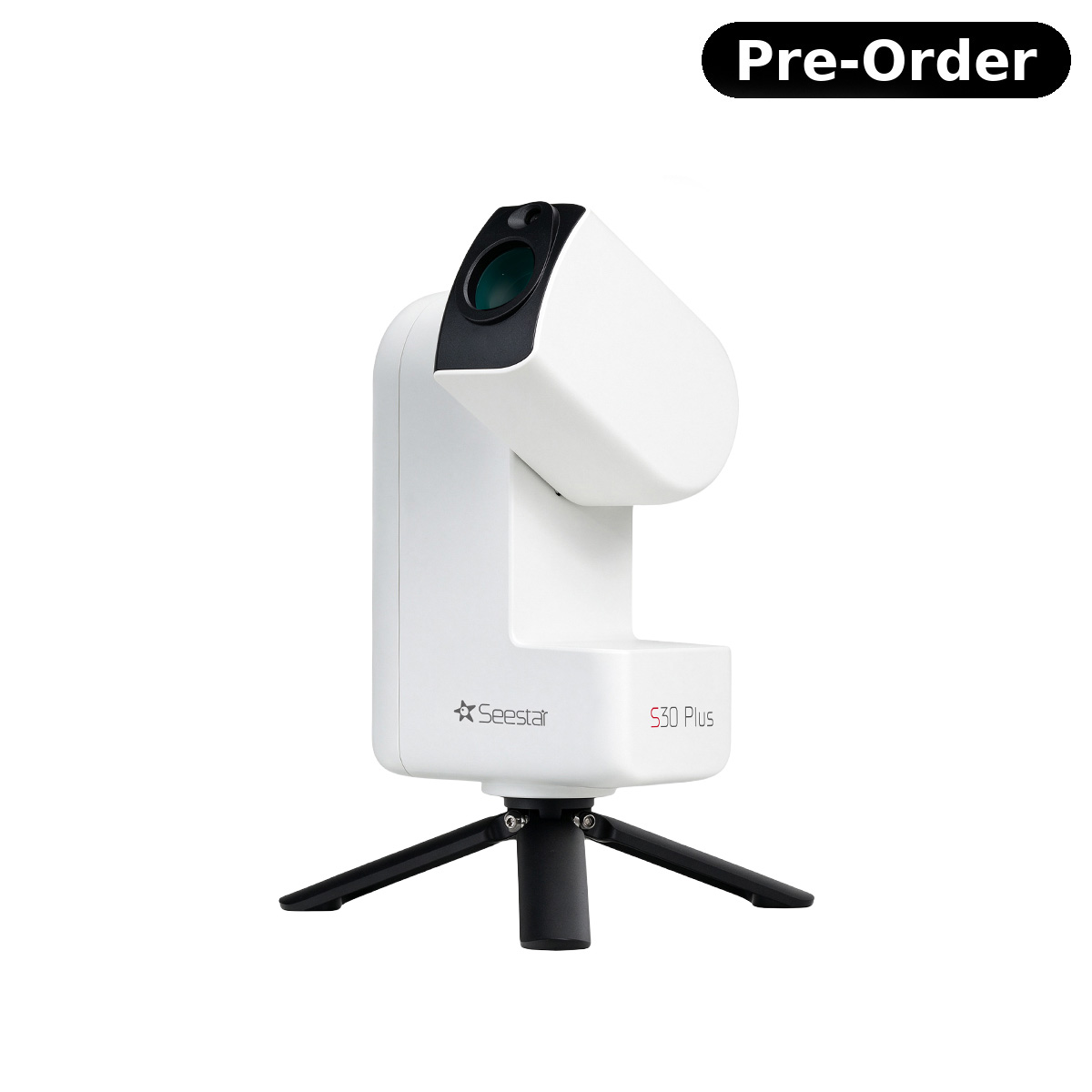
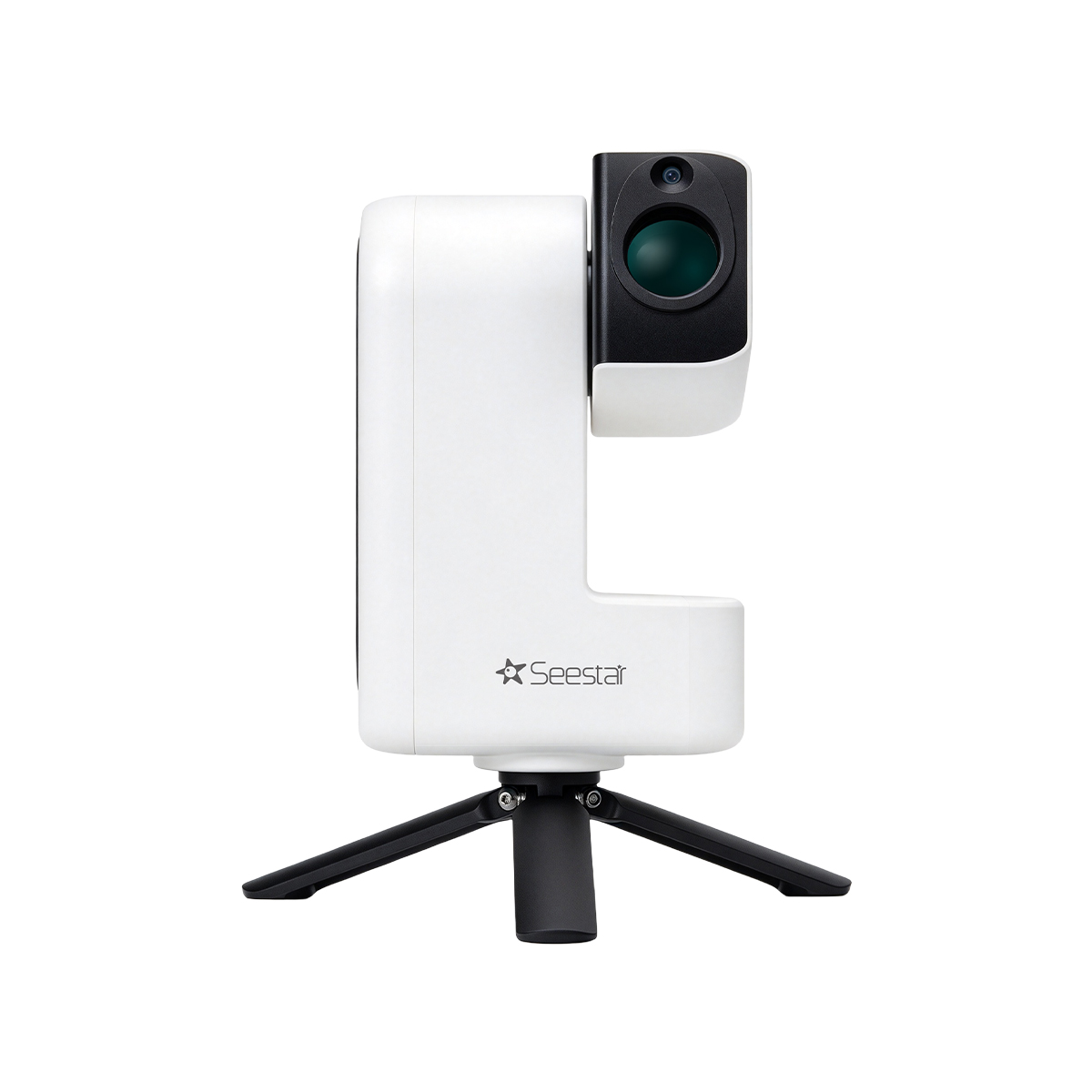
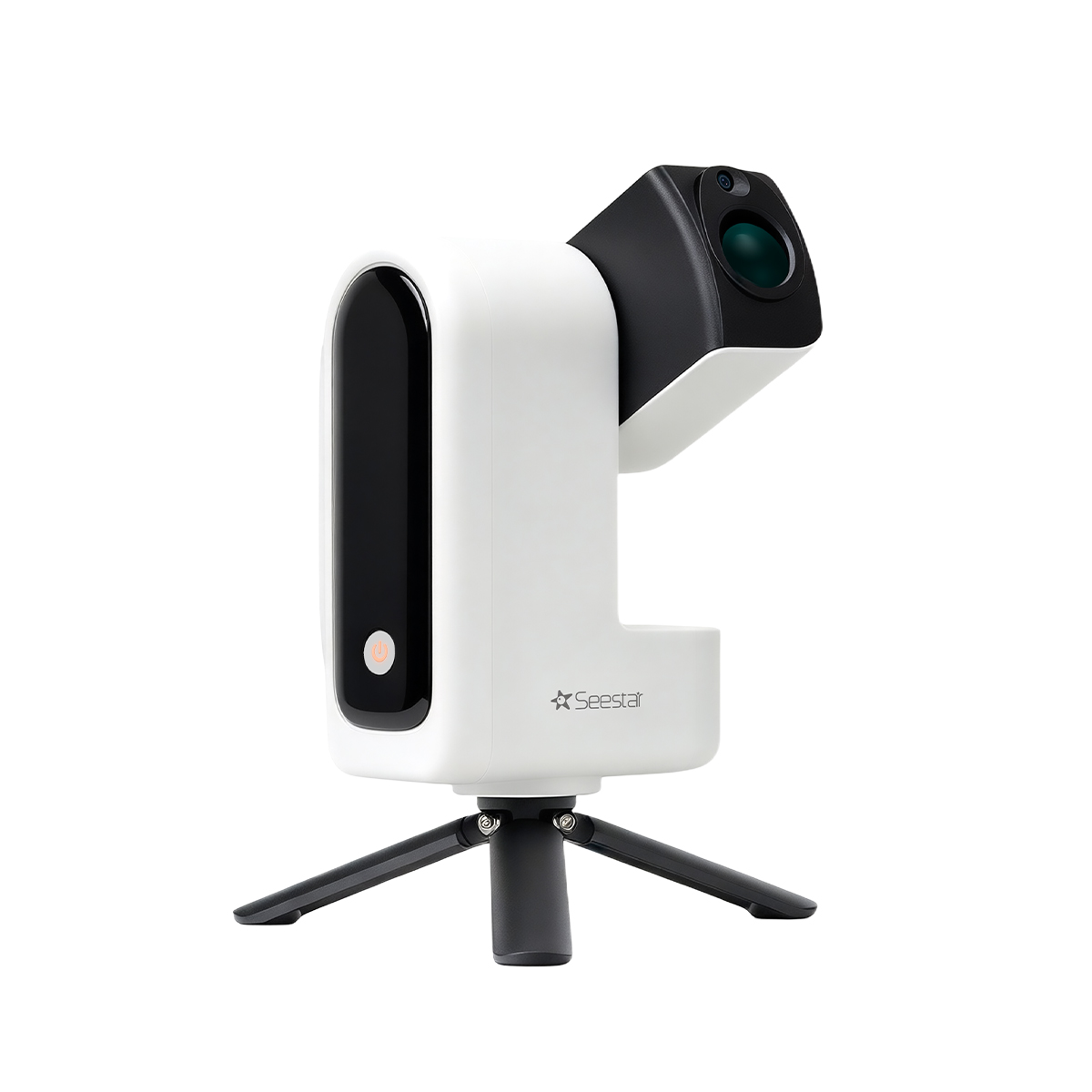
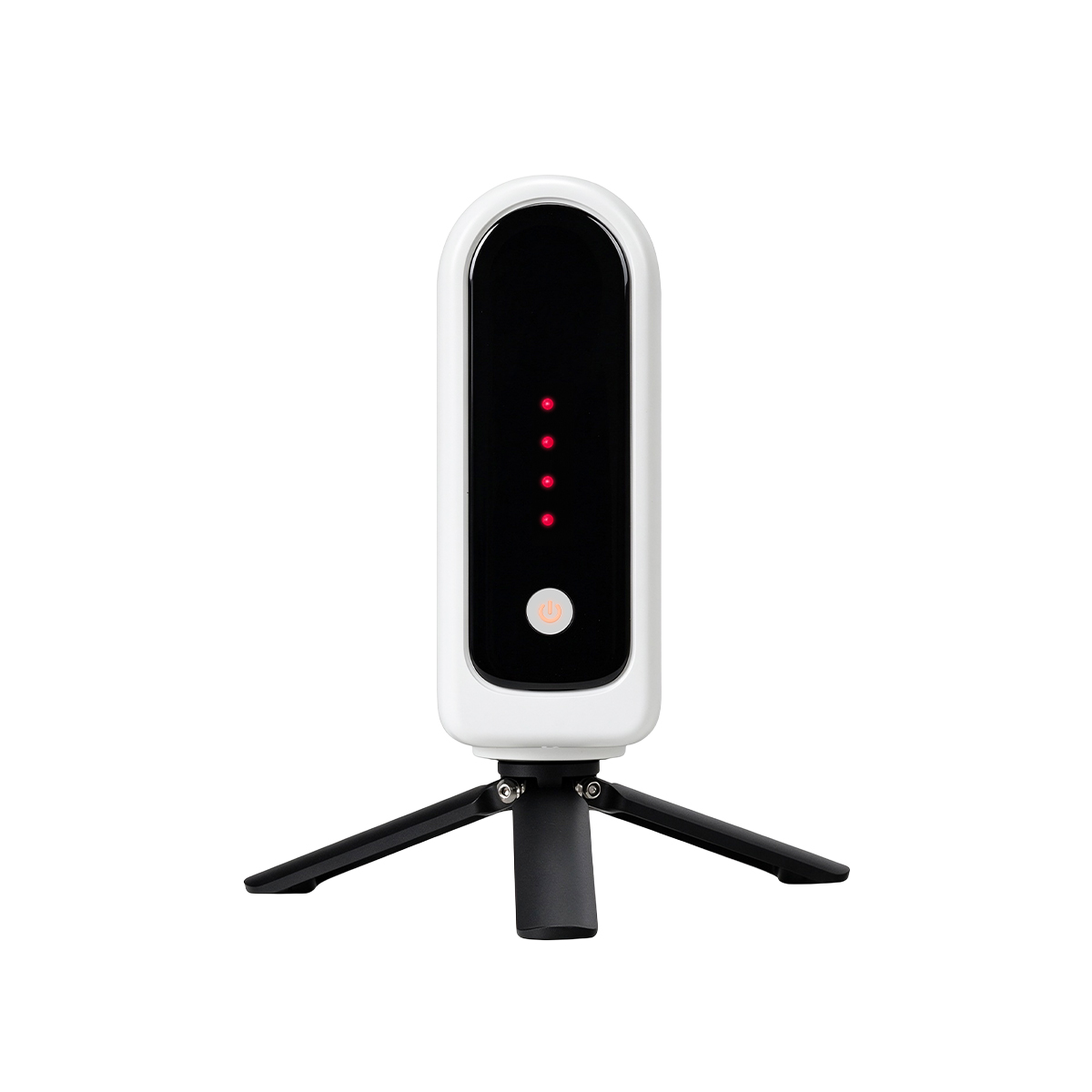
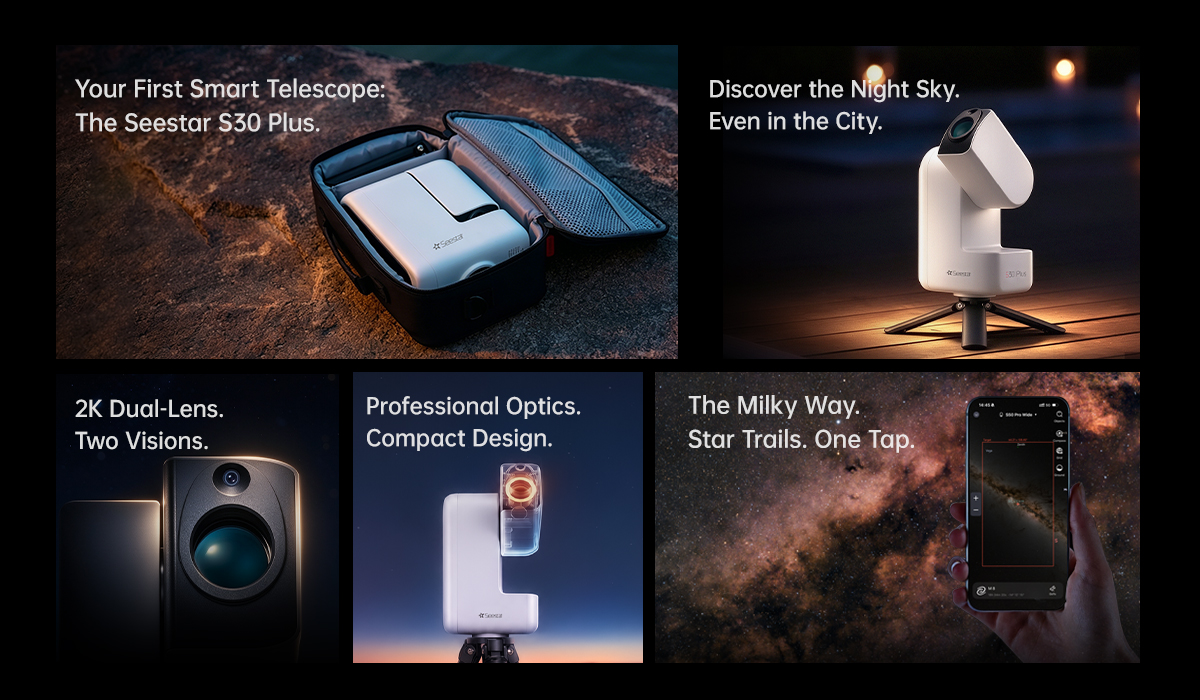
- Your First Smart Telescope: The Seestar S30 Plus.
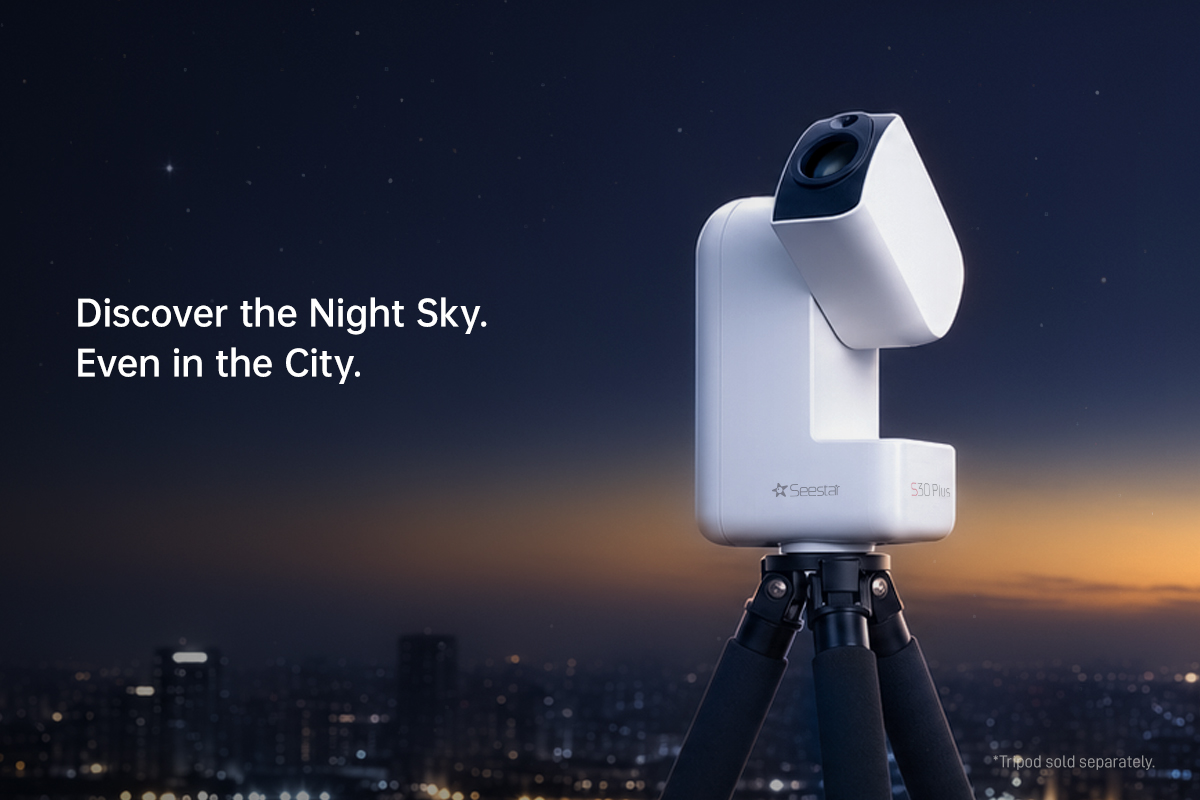
Lightweight and smart. Capture the universe with one tap. - Discover the Night Sky. Even in the City.
Capture the celestial wonders right from your backyard or balcony! - 2K Dual-Lens. Two Visions.
Telephoto × Wide-Angle. Clear views near and far, with very detailed focus. - Professional Optics. Compact Design.
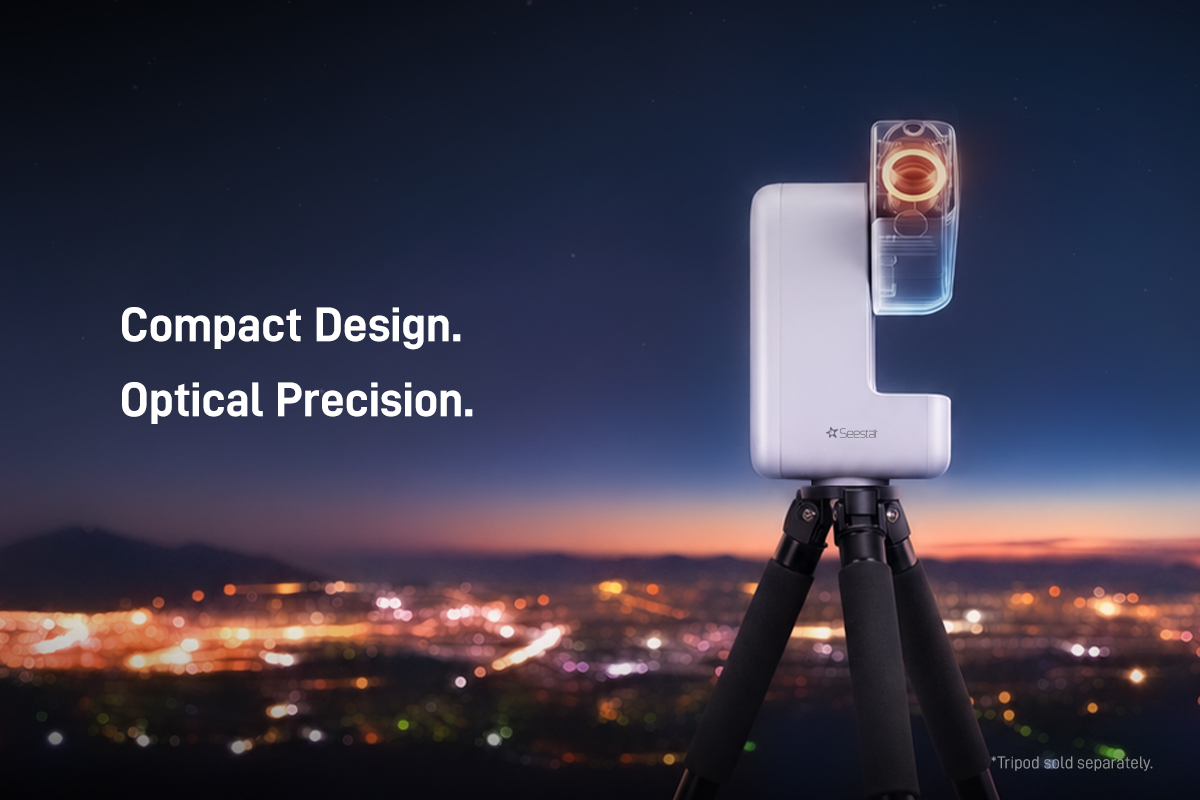
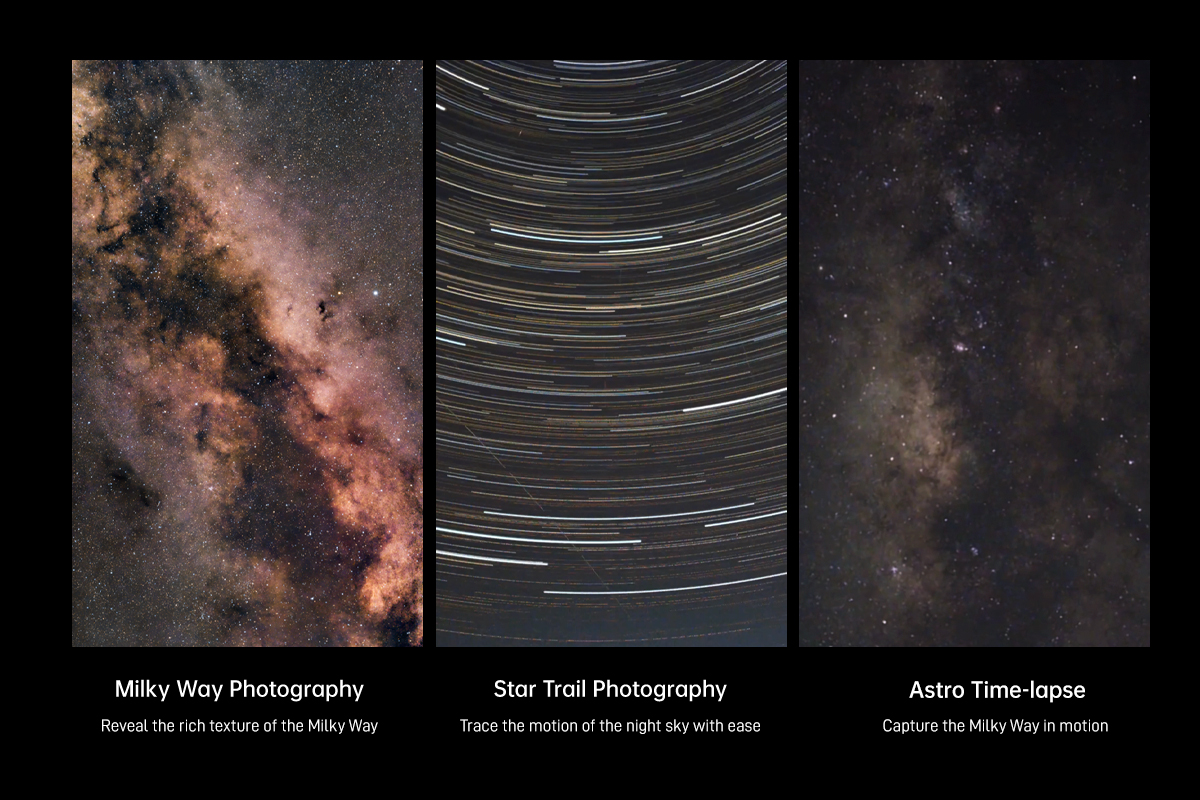
4-Element Apochromatic Lens. Triple Filter System. - The Milky Way. Star Trails. One Tap.
Capture expansive starfields, the Milky Way, star trails and astro timelapses with ease.
Seestar Smart Telescope
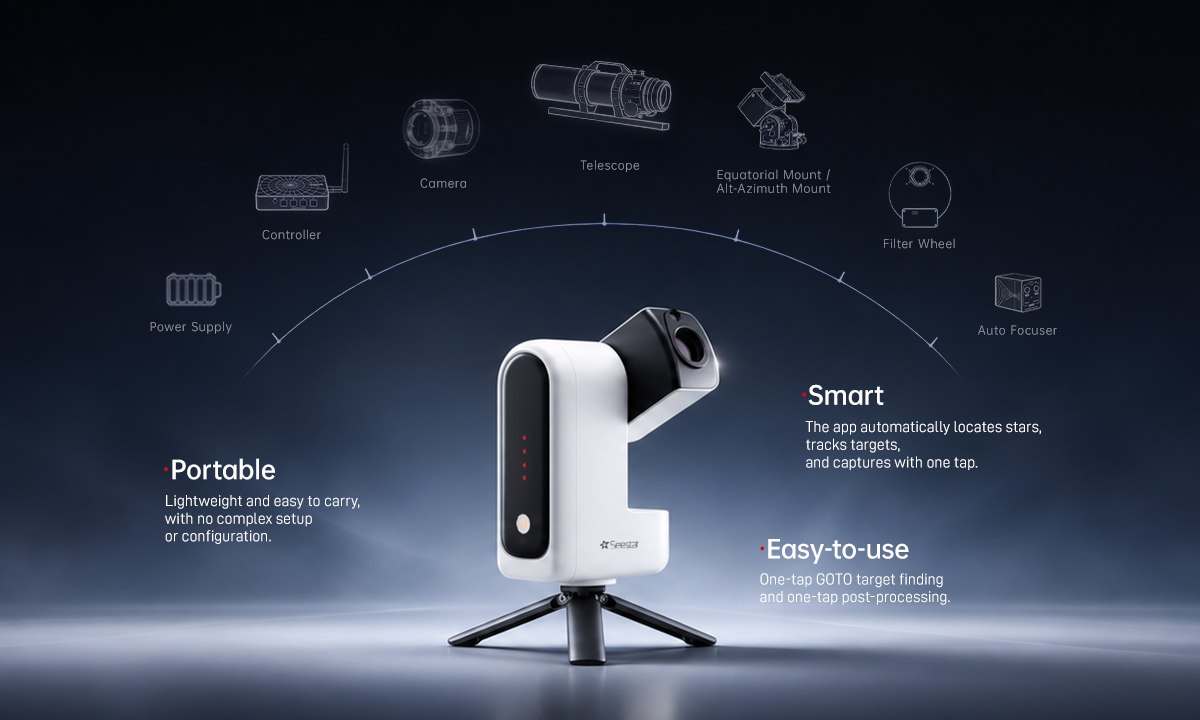
A New Era of Astrophotography
Traditional astrophotography often requires a telescope, an equatorial mount, a dedicated astronomy camera and more, with complex wiring and setup. Seestar integrates the core imaging system into one lightweight device. Simply mount it on a tripod, power it on, and connect to the Seestar app to start imaging. From backyard stargazing to camping trips and family outings, capture the beauty of the universe wherever you go.
From Deep Sky Wonders to Everyday Moments. Capture It All.
Four imaging modes to bring the universe and everyday discoveries into clear view.
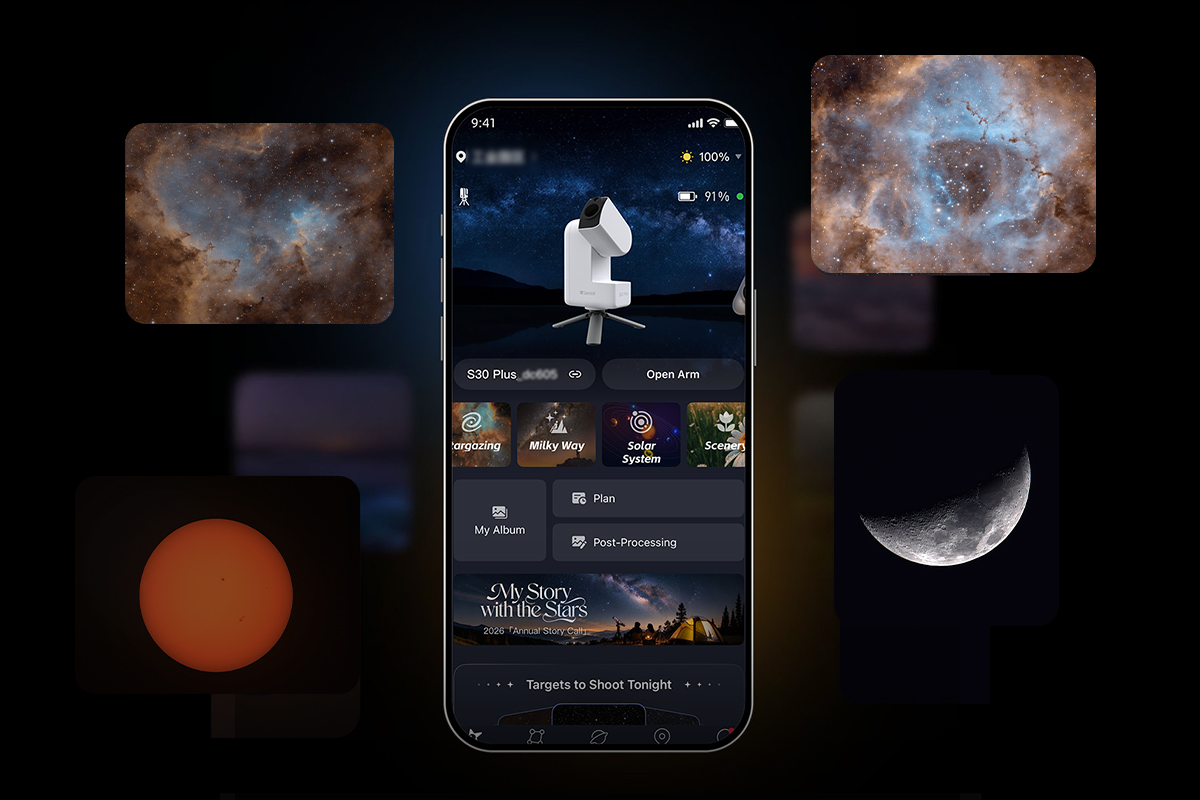
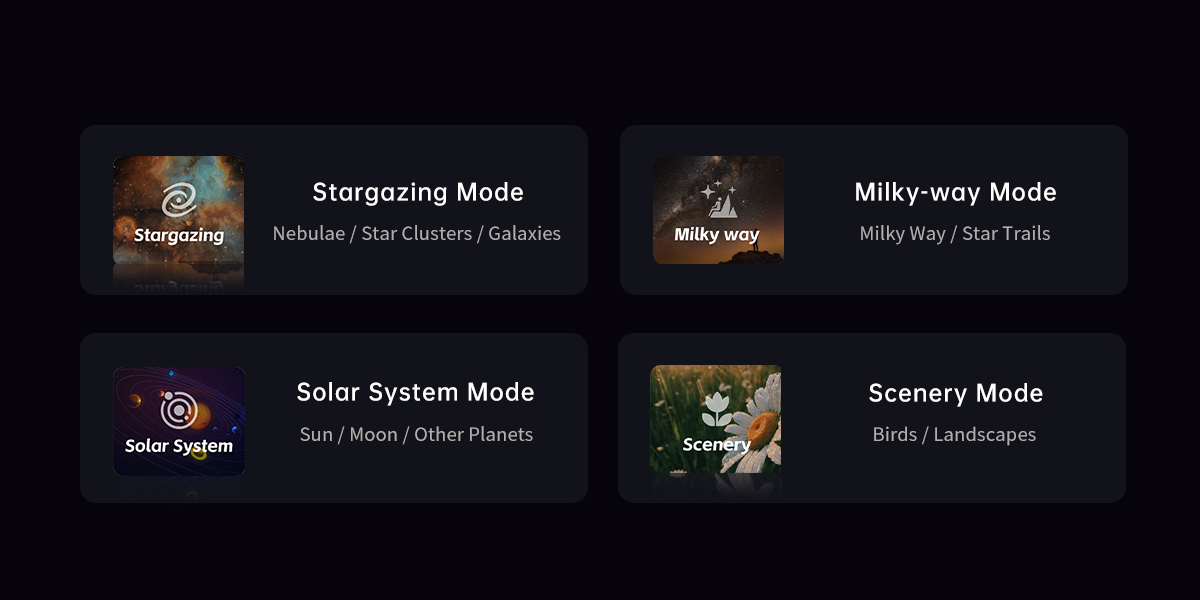
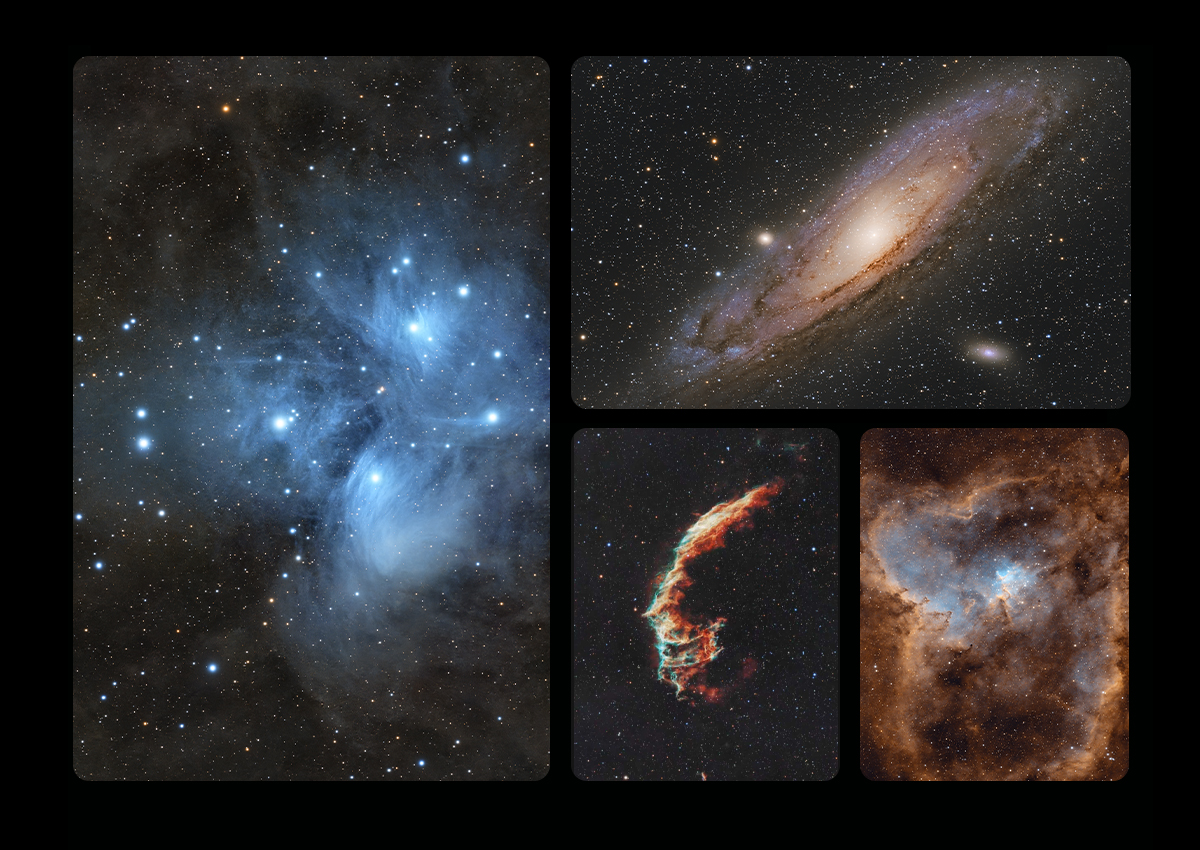
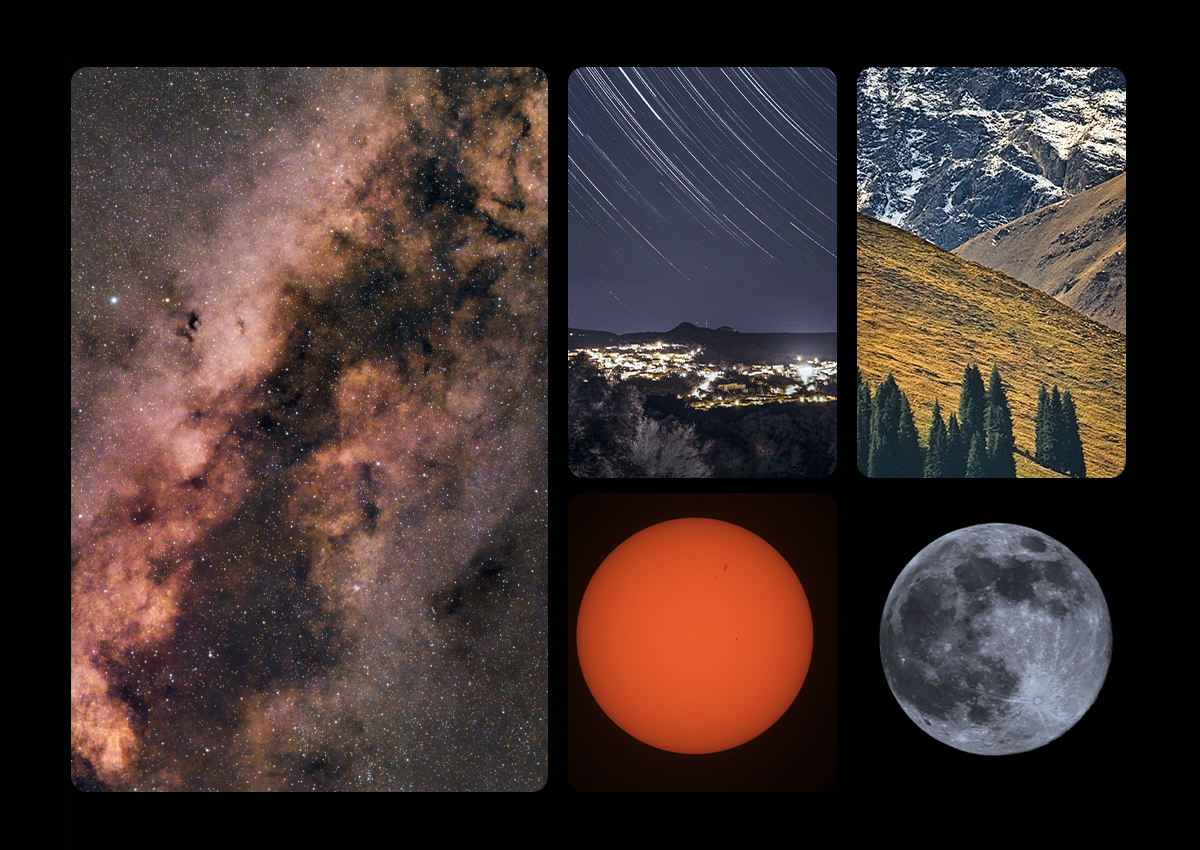
Image Gallery
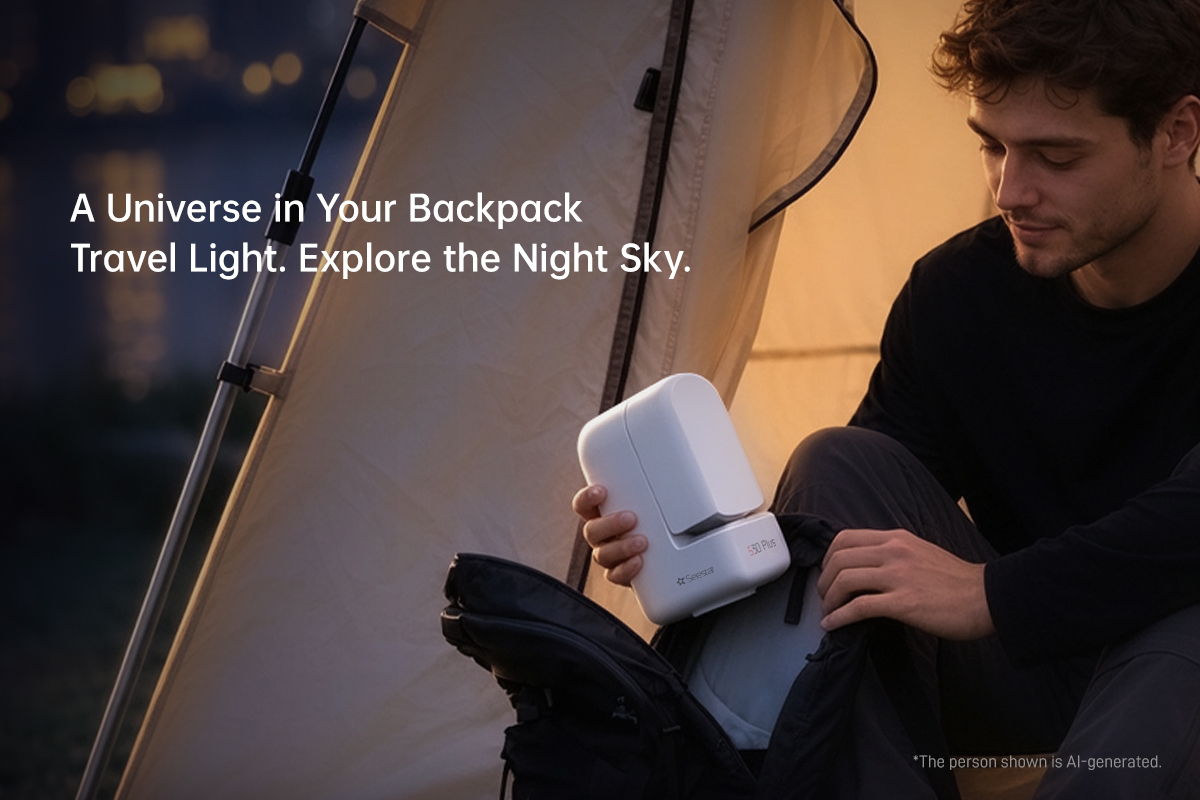
A Universe in Your Backpack
Travel Light. Explore the Night Sky.
From mountain campsites to faraway destinations, start your astrophotography adventure wherever you go.
Discover the Night Sky. Even in the City.
The built-in light pollution filters reduce interference from city lights. Capture the night sky right from your balcony or backyard!
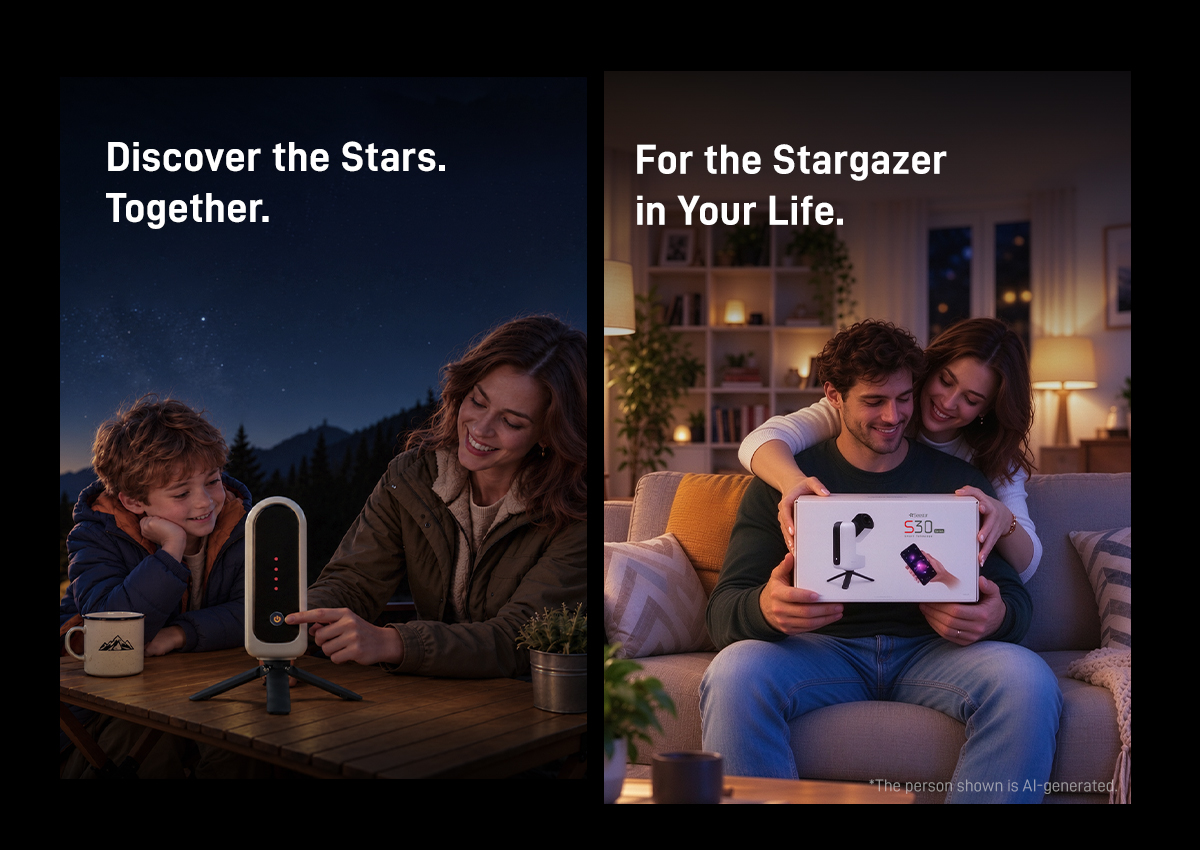
Discover the Stars. Together.
Capture the Moon’s craters and distant nebulae with your family. Turn an evening under the stars into a shared discovery.
For the Stargazer in Your Life.
Give them a closer look at the universe—and share the wonder of what comes into view.
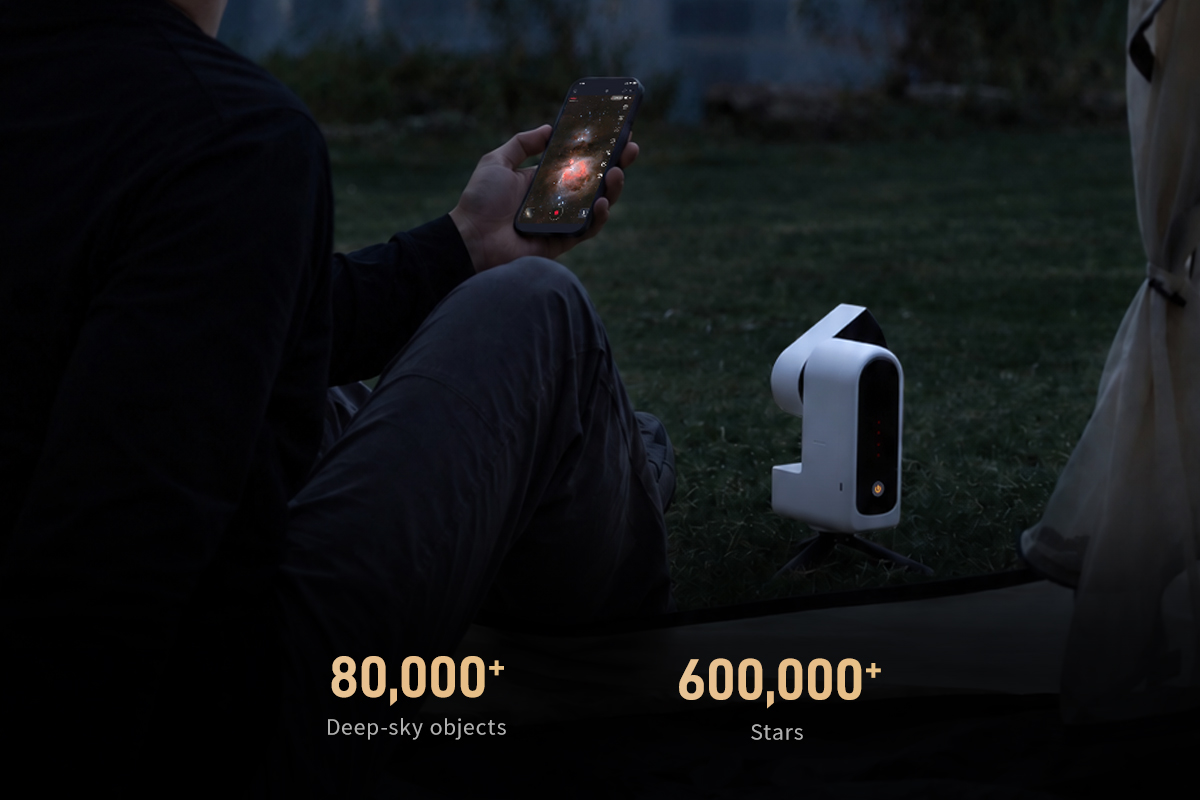
80,000+ Celestial Objects. A Universe to Explore.
Select a target in the Seestar app and tap GOTO. Seestar automatically finds, tracks and captures it——revealing more details as they stack.
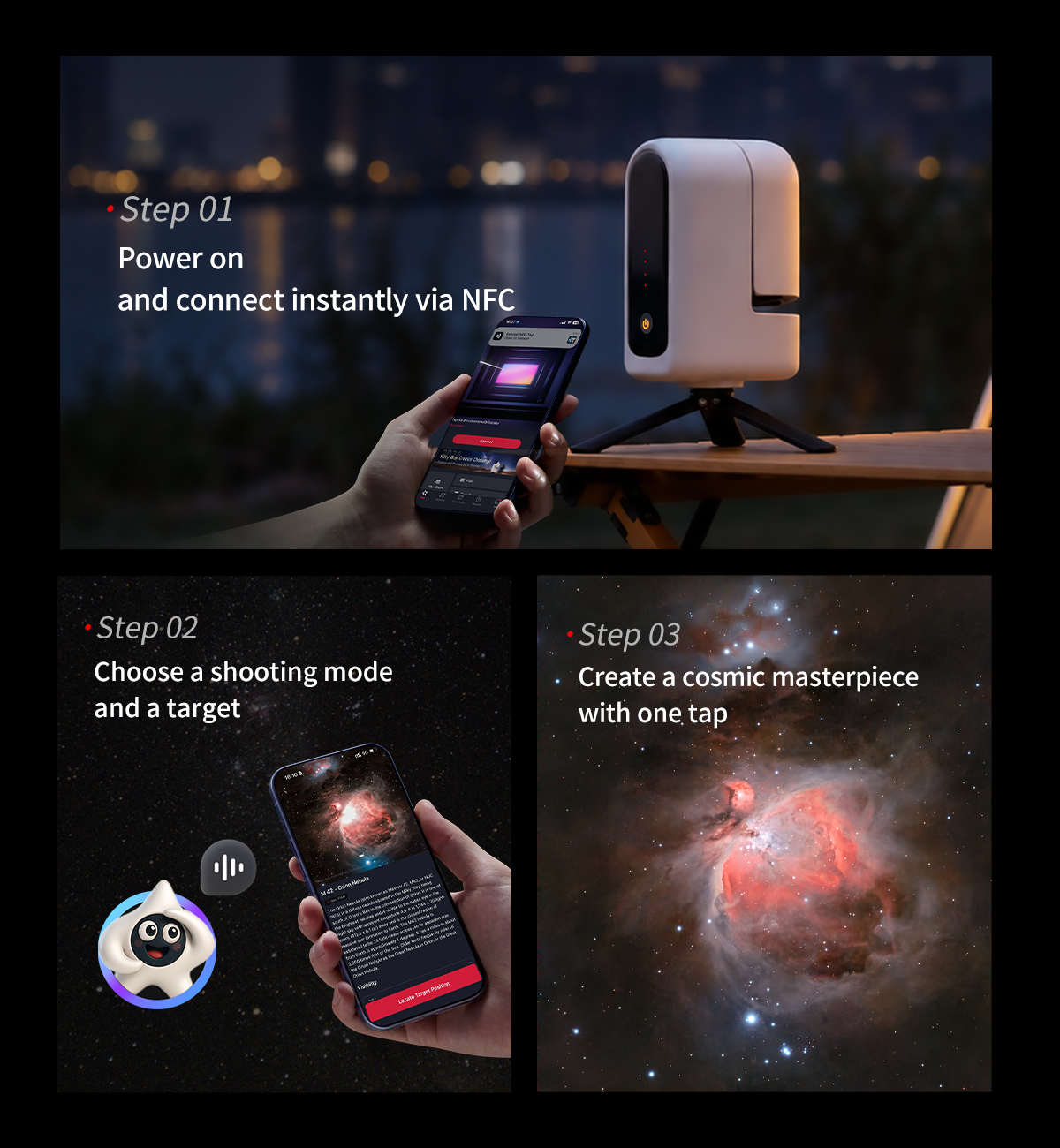
Three Simple Steps
Your Journey to the Stars Begins.
2K Dual-Lens. More in View.
Explore distant detail with the telephoto camera and sweeping nightscapes with the wide-angle camera. Capture deep-sky objects and expansive nightscapes with clarity.
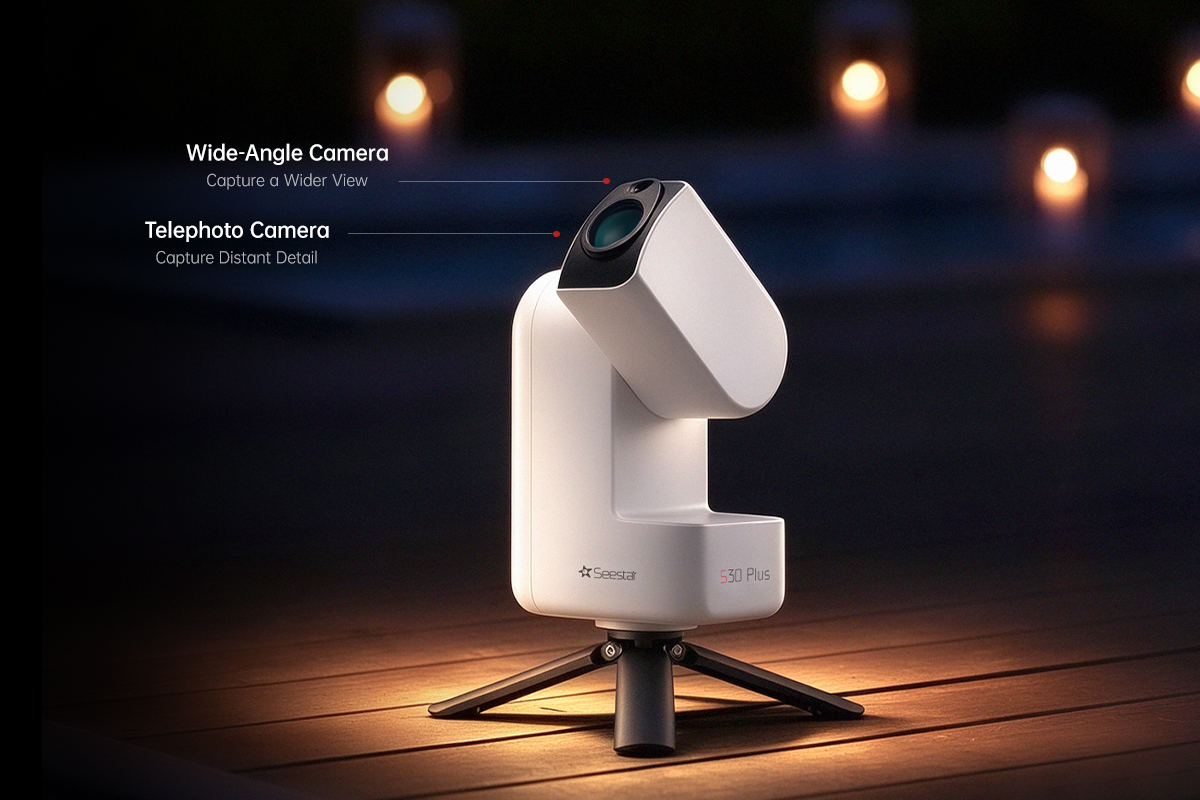
Compact Design. Optical Precision.
A folded optical path fits a longer focal length into a compact body, bringing distant celestial details into view.
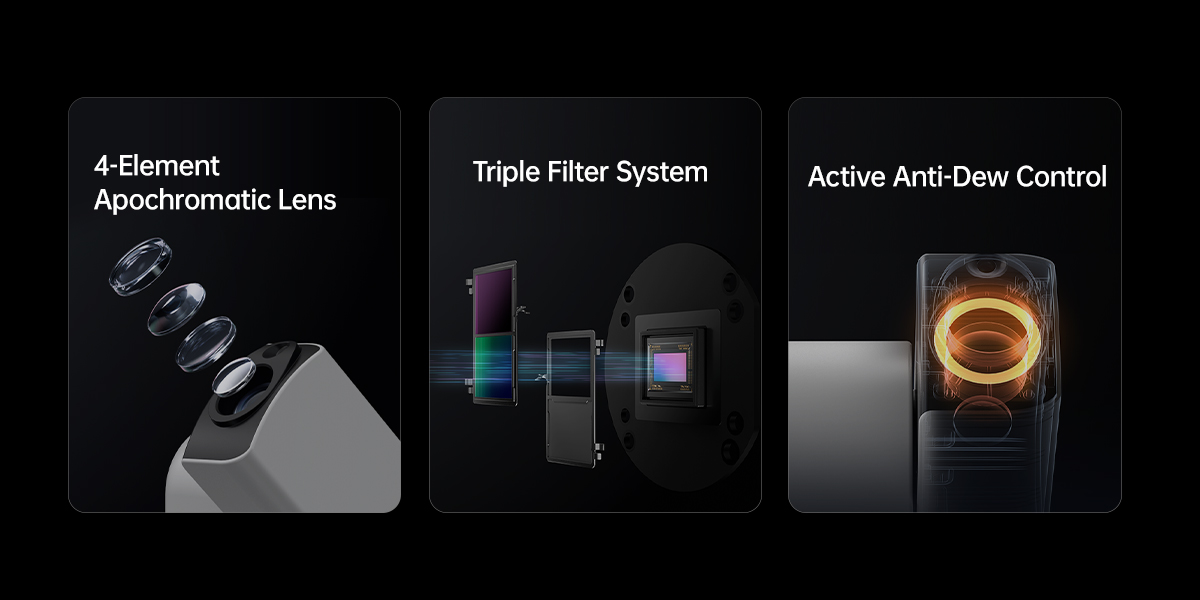
One-Tap Post-Processing. More Ways to Refine.
Bring out the detail in your astrophotography with one-tap enhancement, or take control with tools for star removal, star reduction, noise reduction, brightness, contrast, saturation, cropping, flipping and more. Get closer to the shot you imagined, every time.
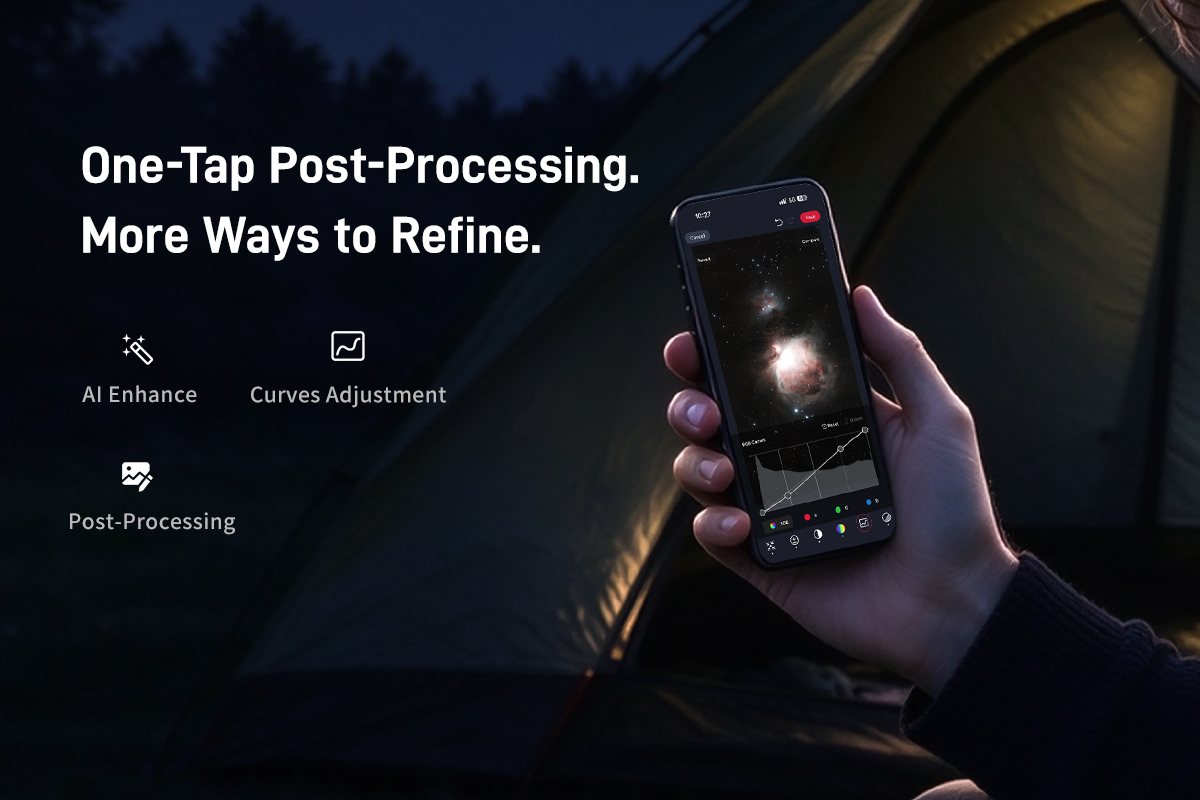
A Wider View. More Ways to Create.
Frame the Milky Way, trace the paths of the stars, and turn a night beneath the sky into a time-lapse.
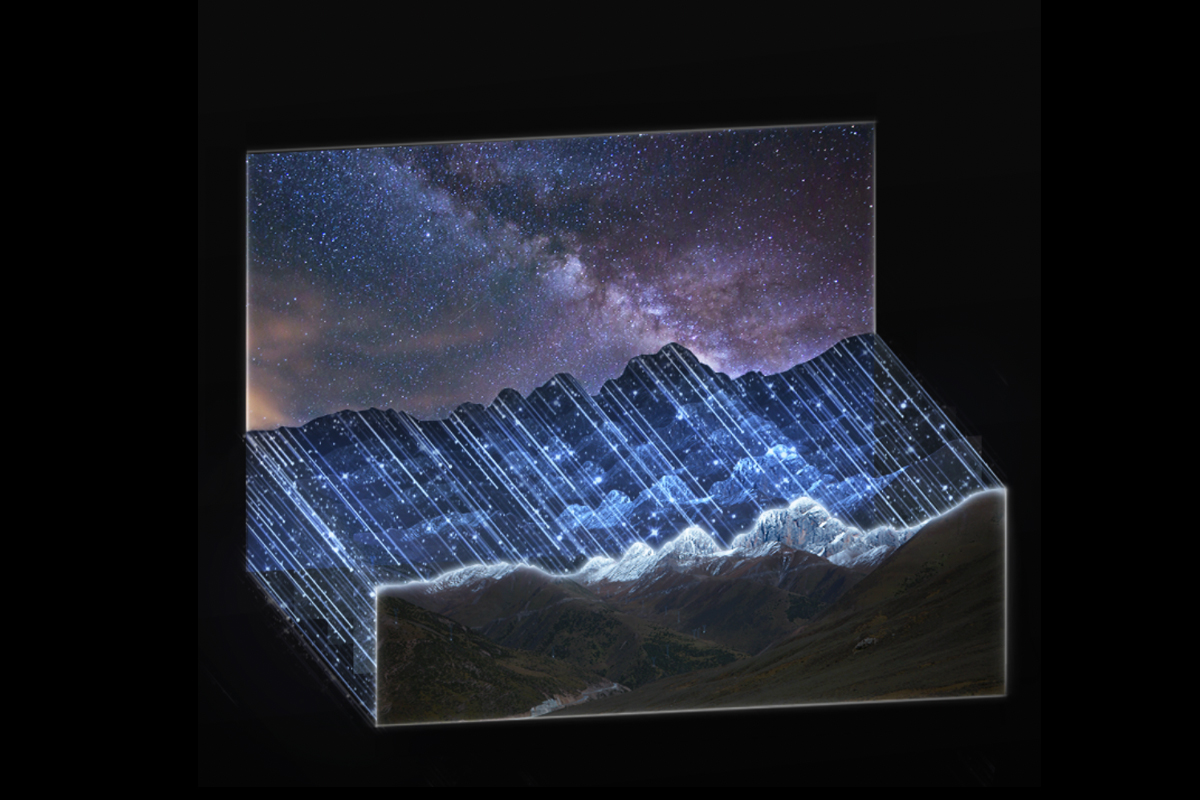
Freeze the Ground, Two Worlds in Perfect Focus
Intelligently detects and locks the foreground landscape, processing it separately from the sky. Customize the landscape freeze duration. Stars stay sharp during tracking, while the foreground remains clear and natural for crisp, striking nightscapes.
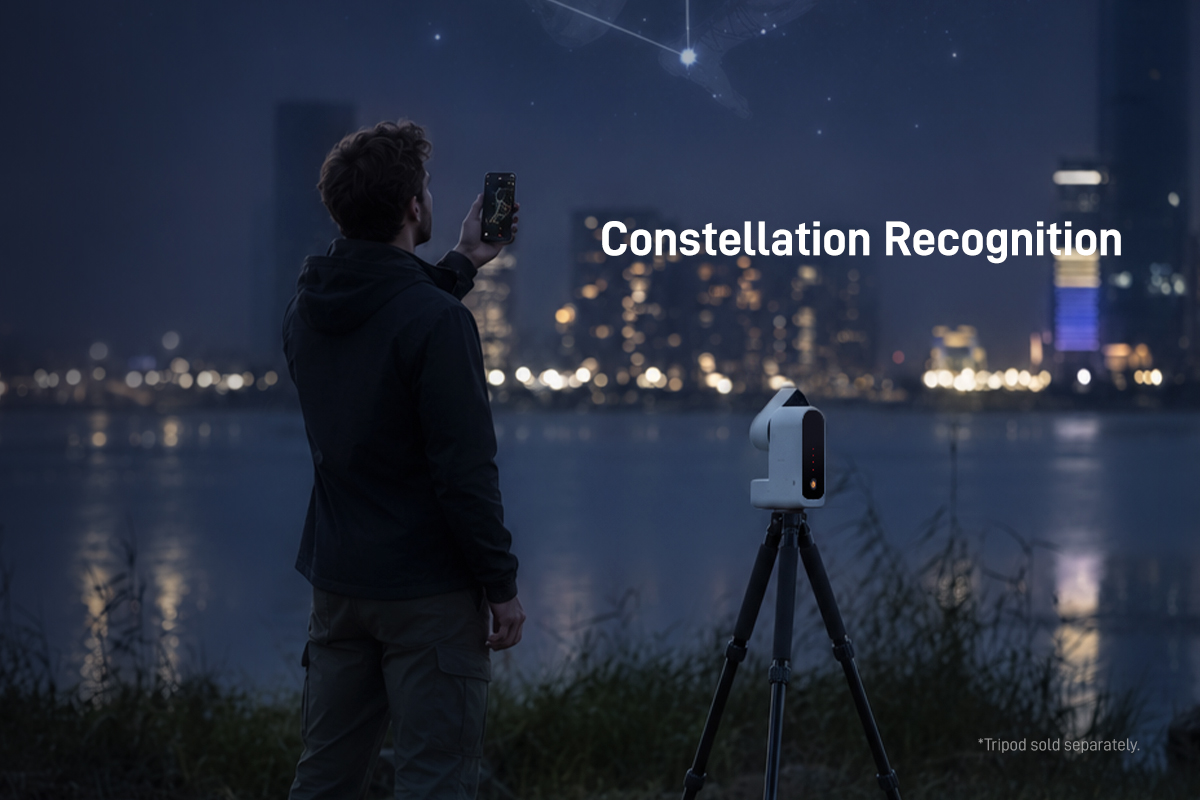
Constellation Recognition
Identify constellation lines and labels with one tap, then use GOTO to lock on quickly. Even beginners can find and recognize constellations with ease.
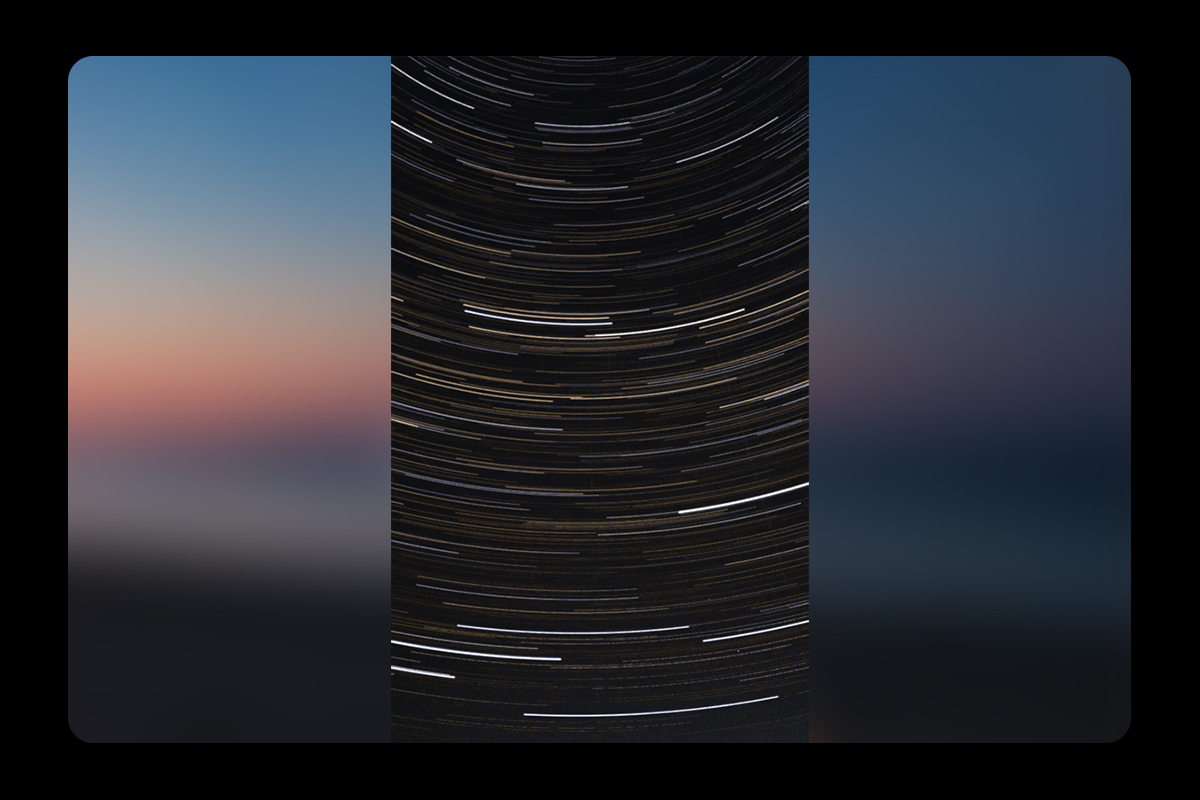
Star Trails. Time in Motion.
Automatically turn star trail images into dynamic videos. Watch trails extend and converge as the night sky moves through time. One capture becomes a lasting connection with the universe.
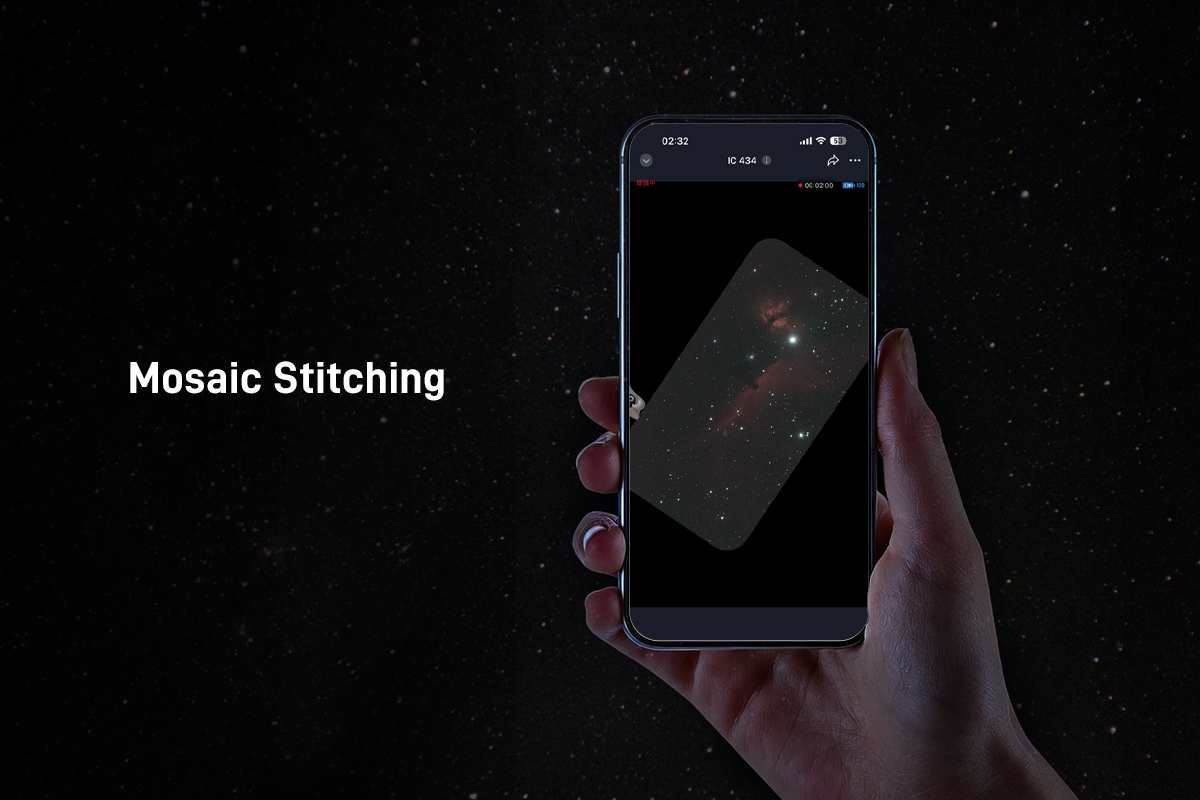
Mosaic Stitching
See Beyond a Single Frame.
Some celestial wonders deserve a wider view. Seestar captures overlapping images across your chosen area and stitches them together automatically, bringing more of the night sky into one image.
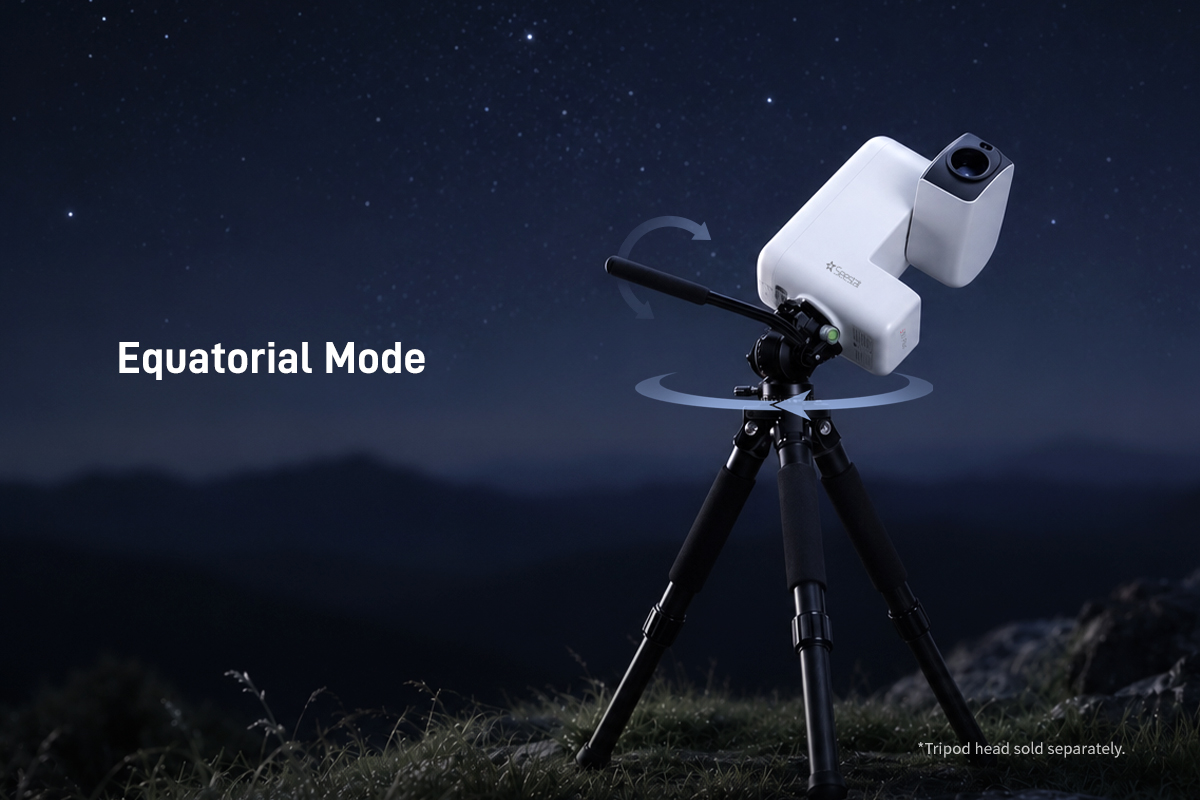
Equatorial Mode
Compensates for Earth’s rotation when tracking celestial targets. Stable tracking supports longer exposures and keeps objects steady in the frame.
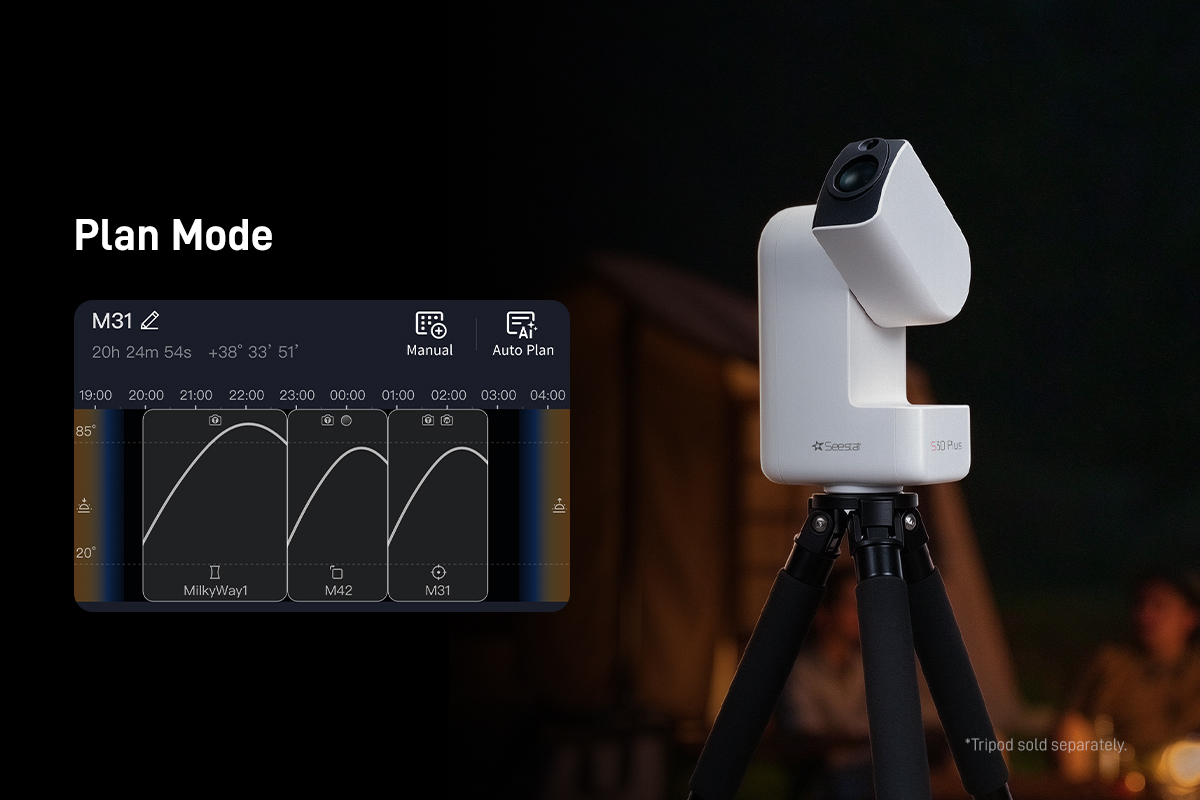
Plan Mode
Create an imaging plan and let Seestar follow it through the night. It automatically moves from one target to the next, capturing multiple celestial objects while you sleep.
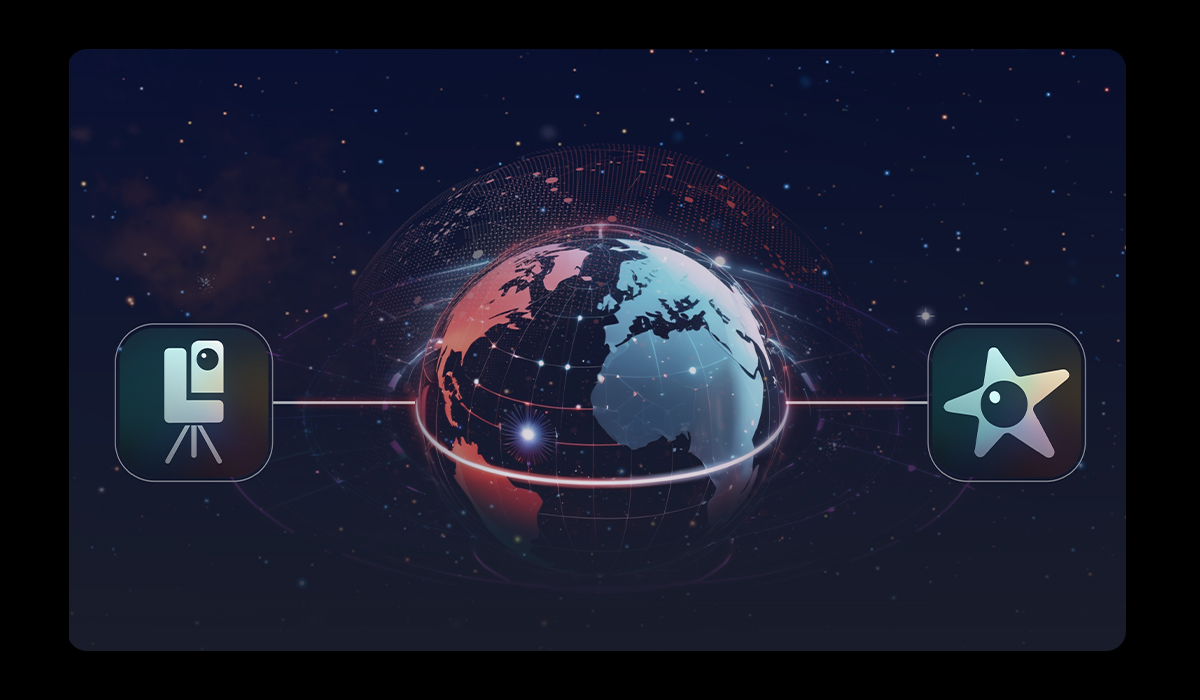
Remote Control
Your Window to a Darker Sky
Cloudy skies at home? Connect to a Seestar at a remote location and explore the night sky from wherever you are. Capture images and manage your files—all through the app.
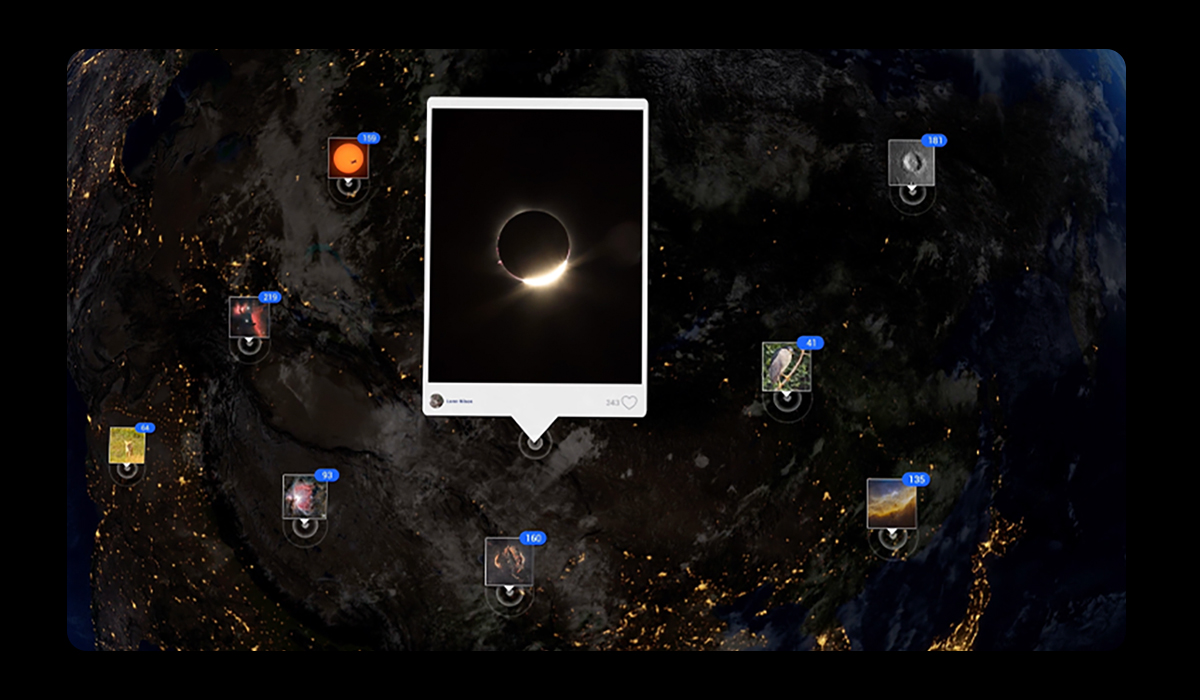
Join the AstroImg Community
Explore. Share. Connect.
Connect with Astrophotographers in Over 100 Countries.
Share your images, discover new perspectives, and find inspiration in the night sky—and in each other.
What’s in the Box
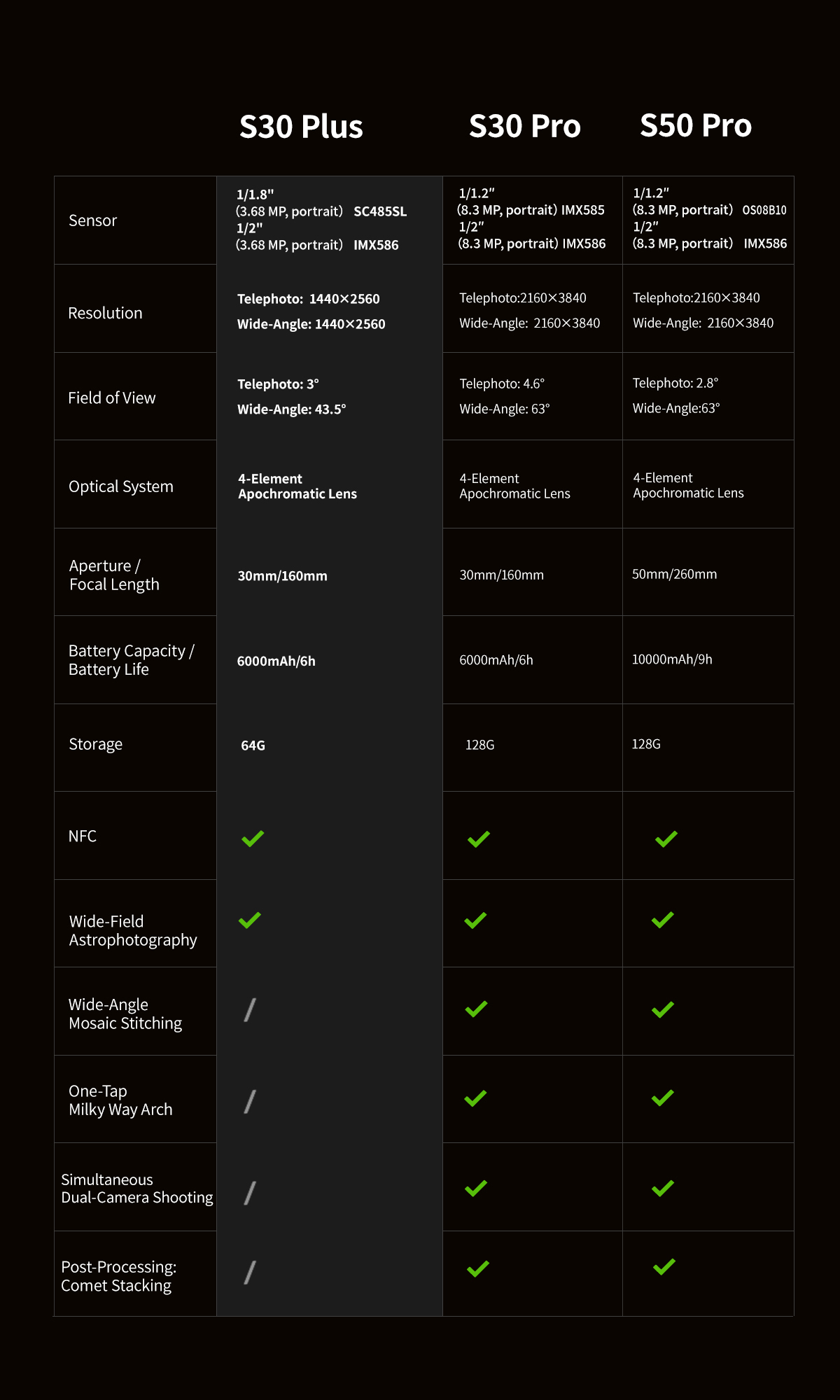
Model Comparison
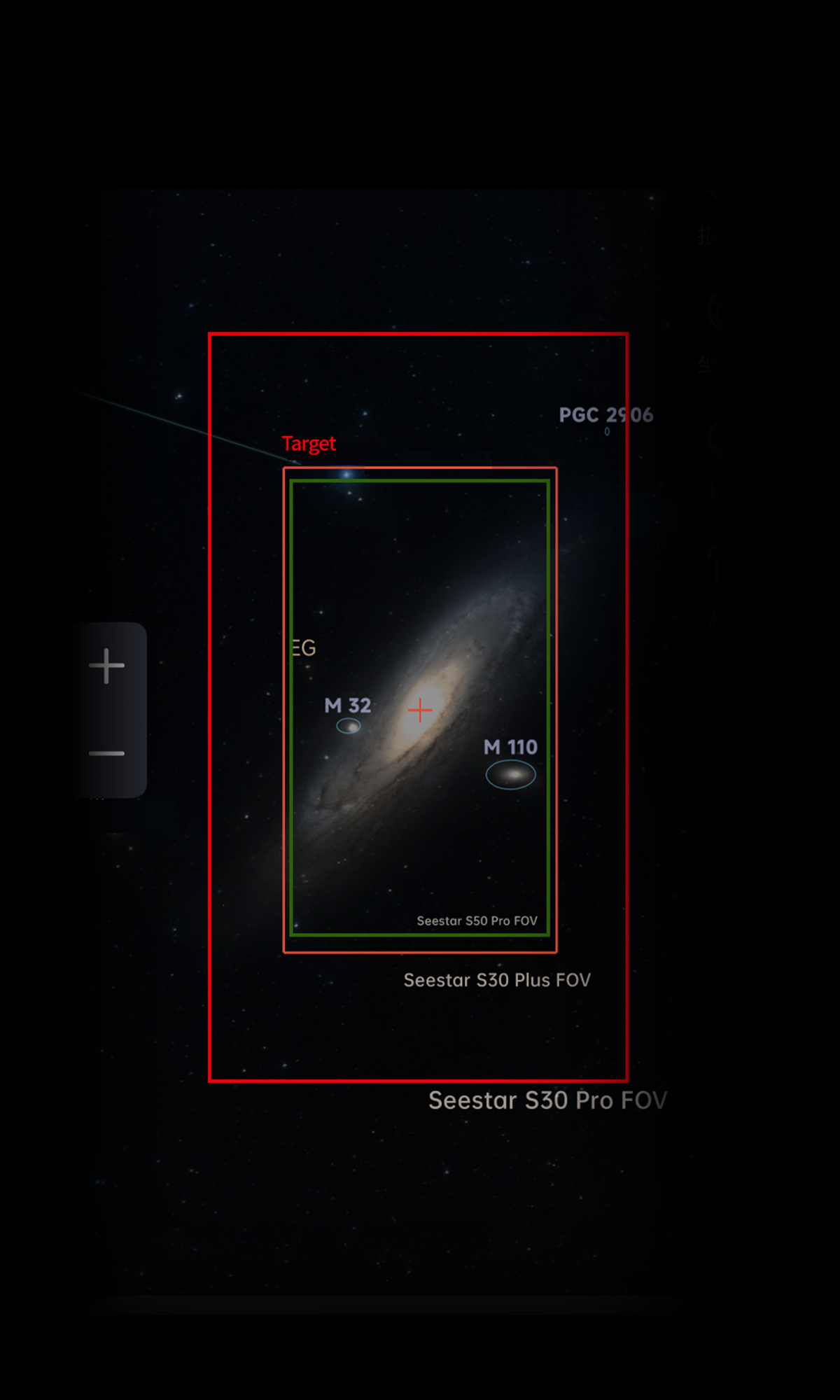
FOV Compare
S30 Plus VS S30 Pro
Product Specifications
| Item | Parameter |
|---|---|
| Product Model | Seestar S30 Plus |
| Sensor | Tele: 1/1.8″ CMOS SC485SL Wide: 1/2″ CMOS IMX586 |
| Resolution | Tele: 1440 x 2560, vertical Wide: 1440 x 2560 (crop), vertical |
| Field of View | Tele: 3° Wide: 43.5° (crop) |
| Aperture | Tele: 30mm Wide: 3.4mm |
| Equivalent Focal Length | Telephoto: 815mm Wide-angle: 55mm |
| Focal Ratio | Tele: F/5.3 Wide: F/1.75 |
| Focal Length | Tele: 160mm Wide: 6mm |
| Optical System | 4 Apochromatic |
| Built-in Filter | UV/IR-Cut Filter (Tele + Wide) Duo-Band Filter (OIII 30nm/Hα20nm) (Tele only) Dark Filter (Tele only) |
| External Filter | Magnetic adsorption solar filter |
| Working Distance | Tele: 6m ~ ∞ Wide: 0.1m ~ ∞ |
| Storage Space | 64GB |
| Transmission Method | Wi-Fi / USB Type-C / Bluetooth |
| Image Format | JPEG / FITS |
| Video Format | MP4 / AVI |
| Wi-Fi | 5G / 2.4G |
| Wi-Fi Effective Transmission Distance | ≤ 10m |
| Bluetooth Effective Transmission Distance | ≤ 5m |
| Working Temperature | -10℃ ~ 40℃ |
| Charging Ambient Temperature | 0℃ ~ 40℃ |
| Storage Temperature | -10℃ ~ 60℃ |
| Working Humidity | 20% ~ 80% |
| Storage Humidity | 20% ~ 50% |
| Mount | Alt-Azimuth (EQ Mode supported) |
| Slew Rate | 1X – 1440X |
| Auto Homing | Supported |
| Battery Life | 6000mAh, lasts up to 6 hours after a full charge (tested in ZWO laboratory) |
| Interface on Base | 3/8″-16 |
| Weight | 1.65 kg (without tripod) |
| Power Input | Type-C, Supports DC 5V ~ 3A |
| Wi-Fi Reset Button | Supported |
| Dimension | 210mm x 140mm x 80mm |
FAQ
Q: Where can I use the Seestar S30 Plus?
The S30 Plus is a ready-to-use smart telescope for everything from city balconies and backyards to outdoor adventures.
City balconies and backyards: The built-in dual-narrowband light pollution filter (OIII/Hα) works with live stacking to help you capture deep-sky objects such as nebulae and star clusters, even under city light pollution.
Outdoors: The Active Anti-Dew Control function helps prevent fogging during long outdoor sessions. Even without a local Wi-Fi network, you can connect your phone directly to the telescope’s own Wi-Fi and shoot using the Seestar App installed on your phone.
Q: Do I need to adjust settings manually, or is the S30 Plus fully automatic?
The S30 Plus works automatically by default: choose a target and let it handle the rest.
Automatic target finding: Seestar’s proprietary algorithm finds and tracks celestial objects, recognizes targets, aligns images, and adjusts focus. The entire imaging process is controlled in the app, with no need to enter settings manually.
Tap a target to start: In Solar System Mode, select the Sun, Moon, or a planet. The device focuses, starts tracking, and begins imaging automatically. For deep-sky and wide-field targets, simply select a target in SkyAtlas; there is no need to set focal length or exposure time.
Optional advanced controls: Adjust exposure time, filter selection, and zoom as needed.
Beginners can start shooting without adjusting settings, while experienced users can fine-tune them in the app.
Q: How is the S30 Plus improved over the S30? Is it worth upgrading?
Compared with the S30, the S30 Plus brings six key upgrades:
1. Wide-field astrophotography
The S30 can capture deep-sky objects, the Moon, and planets, as well as terrestrial scenes. The S30 Plus adds wide-field imaging for the Milky Way, star trails, and meteors.
2. Upgraded sensors
Telephoto: S30: 1/2.8-inch 2 MP → S30 Plus: 1/1.8-inch 3.68 MP.
Wide-angle: S30: 1/3-inch → S30 Plus: 1/2-inch, with the sensor orientation changing from landscape to portrait to help fit more of the Milky Way’s band in a single frame.
3. Higher resolution
1080p → 2K, giving you more room for post-processing, viewing details when zoomed in, and reframing your images.
4. Upgraded optics
A three-element apochromatic lens → a four-element apochromatic lens.
5. Longer focal length
Telephoto aperture / focal length: 30 mm / 150 mm → 30 mm / 160 mm. Together with the larger sensor, the telephoto field of view increases from 2.46° to 3°, making it easier to frame deep-sky objects in a single shot.
6. NFC connection
Tap a compatible phone against the device to connect, without manual pairing.
If you want to capture the Milky Way, star trails, or meteors, or would like the added detail of 2K imaging, the S30 Plus is worth considering.
Q: How do I choose between the S30 Plus and the S30 Pro?
The S30 Plus is the entry-level option and is approximately US$100 less than the S30 Pro at regular retail prices.
The S30 Pro offers a 1/1.2-inch 8.3 MP sensor, a 63° wide-angle field of view, 4K output, wide-angle stitching, one-tap Milky Way arch capture, and simultaneous dual-camera capture. It is better suited to a wider field of view, higher resolution, and frequent wide-field or dual-camera projects.
The two models share the same optical and lens design. The S30 Plus also features a four-element apochromatic lens, NFC connection, wide-field astrophotography, and approximately six hours of battery life.
Choose the S30 Plus if you want to capture the Milky Way and other wide-field scenes without extensive post-processing, or if you are looking for a gift or a way to explore astronomy with your family. Choose the S30 Pro if you prioritize creative output, 4K resolution, and a wider field of view.
Q: Which sensors does the S30 Plus use?
Telephoto: SC485SL, 1/1.8-inch, 1440 × 2560 (2K).
Wide-angle: IMX586, 1/2-inch, 1440 × 2560 (2K, cropped).
Q: How much internal storage does the S30 Plus have?
The S30 Plus has 64 GB of internal storage. Approximately 45 GB is available for use because part of the capacity is occupied by the storage system and system files. Future system updates may affect the space available; actual capacity may vary.
Q: What are the dimensions and weight of the S30 Plus?
Dimensions: 210 mm high × 140 mm wide × 80 mm deep, with the telescope closed.
Weight: 1.65 kg for the device, excluding the tripod.
Both are the same as the S30 Pro.
Q: Does the S30 Plus include a tripod and carrying case? Do I need a TH10 or a TH10 + TC20 bundle?
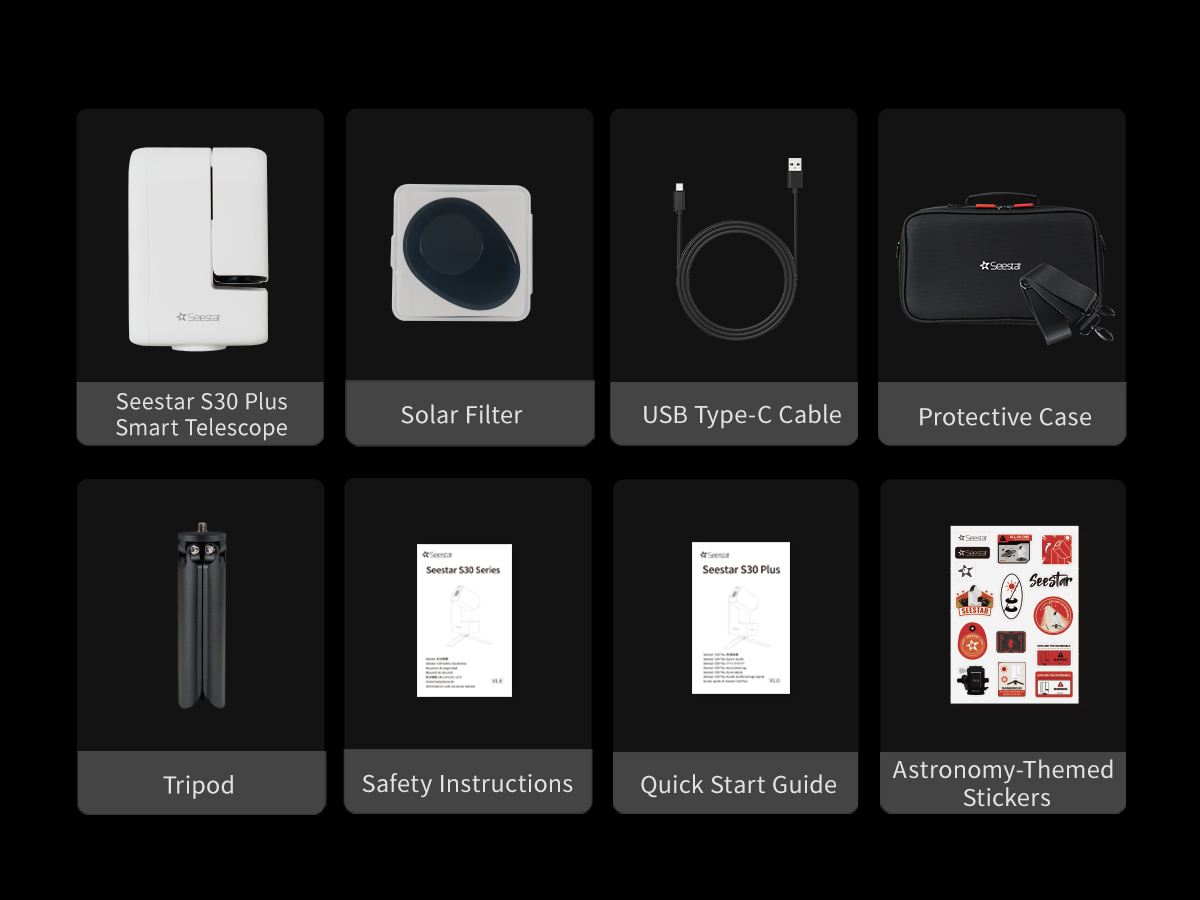
The S30 Plus comes with the telescope, a magnetic solar filter, an aluminum alloy tripod, astronomy stickers, a protective carrying case with shoulder strap, a USB-C cable, a quick guide, and a safety guide.
If you plan to use Equatorial Mode, we recommend the TH10 + TC20 tripod head and tripod bundle.
If you already own a tripod, check that its tripod-head mount has a 3/8-inch thread. You can then purchase the TH10 tripod head separately and use it with your existing tripod.
Q: What is one-tap plan generation in Plan Mode?
Quickly generate an imaging plan based on your targets and observing conditions, then let the device follow it automatically. If you are unsure what to capture or how to adjust settings, Auto Plan helps you get started with less manual setup and fewer repeated steps.
Q: Can I control the S30 Plus remotely?
Yes. Use Telescope Network in the Seestar App to control your S30 Plus remotely.
Once you connect to the remote device, the system automatically uses its location. You can check local observing conditions and the altitude of your target in real time, select a target, and start imaging.
Important Notes
[1] Both the telephoto and wide-angle cameras capture at 2K resolution (1440 × 2560) at 1× zoom. Resolution is reduced at 2× and 4× zoom. Live preview streams from both cameras are 1080p.
[2] Milky Way photography requires a dark night sky. The Milky Way is less visible in areas with high light pollution. Actual results depend on local conditions.
[3] S30 Plus does not support wide-angle mosaic stitching. Milky Way panorama stitching and Milky Way arch capture are therefore unavailable.
[4] S30 Plus does not support simultaneous capture with the telephoto and wide-angle cameras.
[5] An NFC-enabled phone is required. NFC reading is supported only on certain newer iPhone models; older models are not supported. Android compatibility varies by manufacturer. Check your phone’s compatibility before use. To use NFC, turn on the device, unlock your phone, and enable Wi-Fi, Bluetooth, NFC and GPS on your phone. NFC detection performance varies with the size and position of the phone’s NFC antenna. Locate your phone’s NFC detection area before use. If the Wi-Fi name has been changed, the NFC information must be updated using your phone. Otherwise, NFC will not work.
[6] Due to storage chip characteristics and space used by the system, approximately 45 GB is available for use. System updates may affect storage allocation. Actual available capacity may vary.
[7] Battery life was measured in ZWO laboratory tests at 25°C: approximately 6 hours in Stargazing Mode (image enhancement and celestial tracking enabled, anti-dew function off), and approximately 4 hours recording video in Scenery Mode (object tracking off, MP4 format). These figures are for reference only. Frequent operation and keeping a phone continuously connected to the device can affect battery life. Actual battery life may vary.
[8] 60s long exposures are supported only in Equatorial Mode, not in Alt-Azimuth Mode. They require high tracking accuracy. In Equatorial Mode, very precise polar alignment is needed to maintain that accuracy. Inaccurate alignment may reduce imaging efficiency. Actual performance may vary.
[9] A solar filter must be installed when observing the Sun. Never point the telescope’s main camera directly at the Sun without a solar filter, as this will damage the device.
[10] Smart Noise Reduction reduces noise and refines the appearance of stars in real astrophotography images. It enhances existing images and does not create AI-generated images. Seestar S30 Plus is a smart telescope. All images it captures are real photographs, with no AI-generated content.
[11] A Wi-Fi transmission range of 20m was measured in ZWO laboratory tests in an open outdoor area without interference. This figure is for reference only. Actual range may vary with the environment and conditions of use.
[12] The slew rate multiplier is the ratio of the device’s rotation speed to the sidereal rate. 1× is the standard sidereal rate (approximately 15″/s, or 0.00418°/s), used for synchronized tracking in astrophotography. 1440× is the maximum GOTO slew rate (approximately 6°/s), used to move quickly to a target celestial object. The device automatically adjusts the rate from 1× to 1440× according to the operating mode and use case.
[13] If the weather changes unexpectedly during a planned capture session, such as overcast skies, rain or strong winds, the task cannot be completed and the device will not shut down automatically. Check the expected weather conditions for the night before setting up a plan.
Additional information
| Choose to Buy | S30 Plus, S30 Plus+TH10+TC20, S30 Plus+TH10 |
|---|


Reviews
There are no reviews yet.